Input
What we start from
Your script and the look you are after.
Details
- Script, storyboard or shot list
- References for the look
- Characters and props that matter
- Duration and aspect ratio per shot
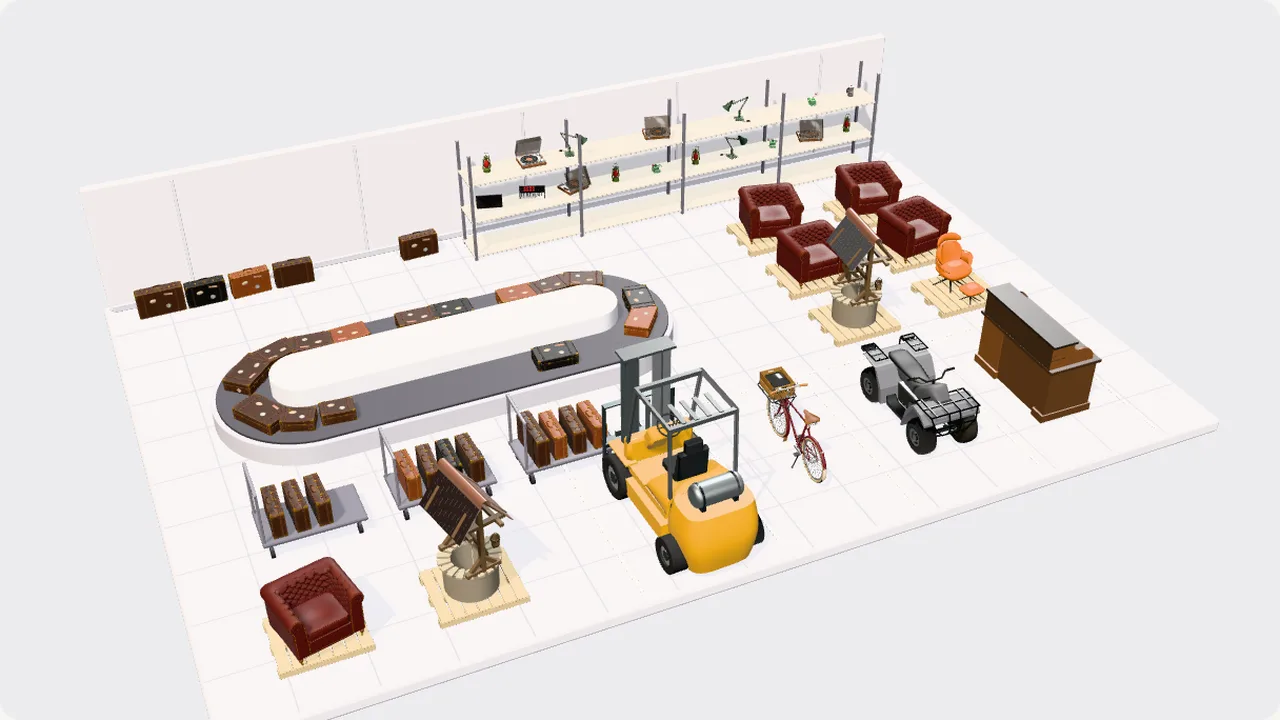
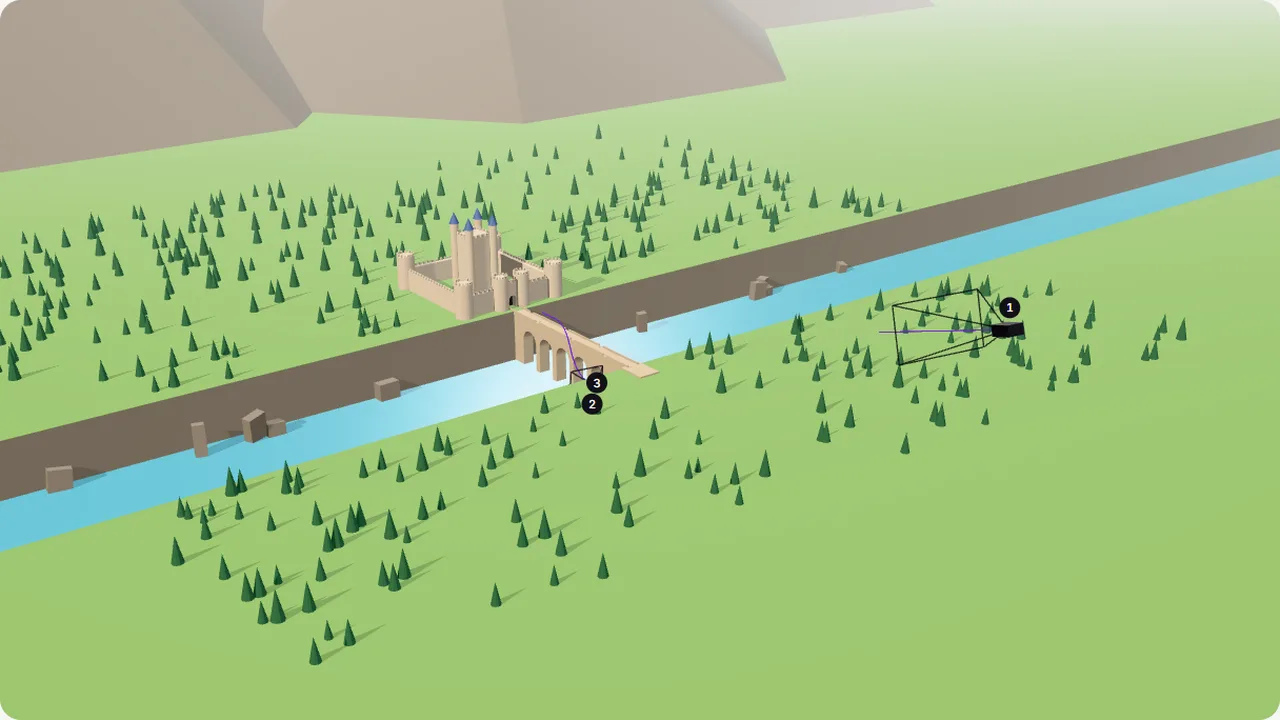
Lay out the scene once in 3D, place each camera with its lens and its path, and generate every shot on its blocking: layout and camera moves hold across the whole sequence.
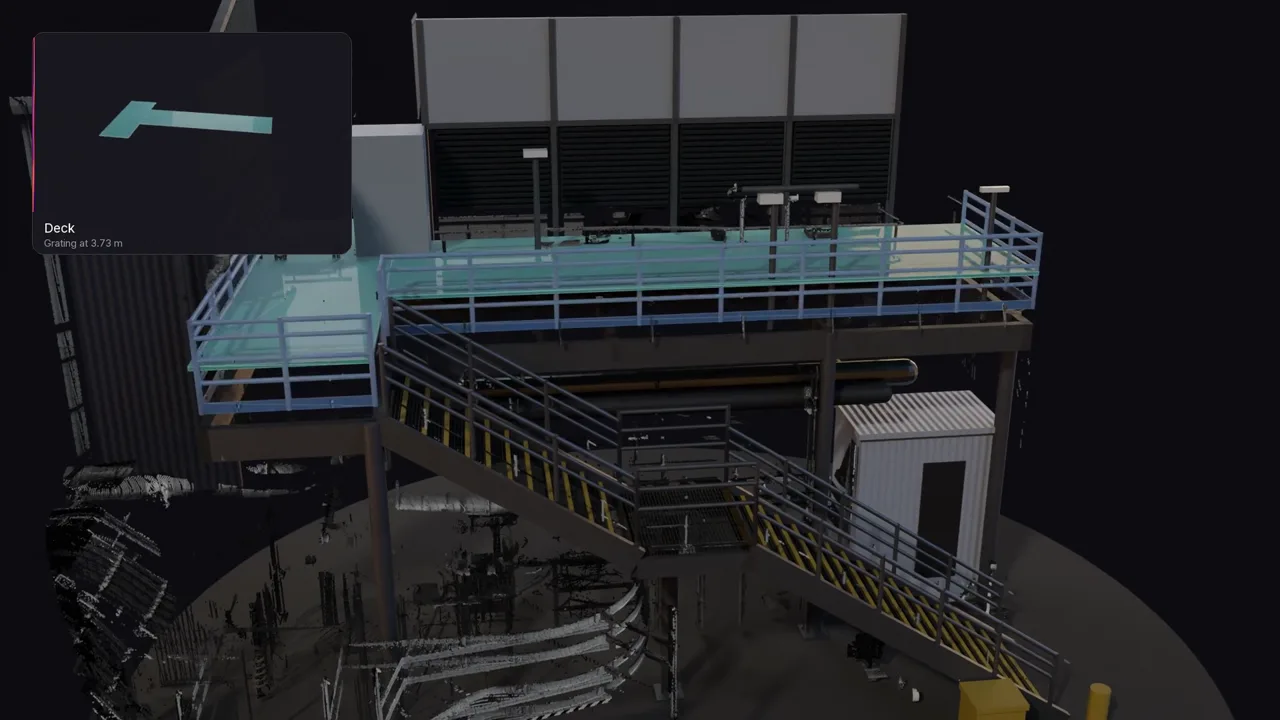
Terrain, bridge and castle, line by line, at real scale.
A real lens and a path, written in code.
The video follows the blocking: same framing, same move.
// Why code
The set and the cameras are written in 3D, so every generated shot follows the same plan.
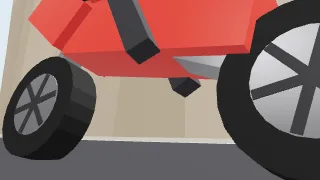
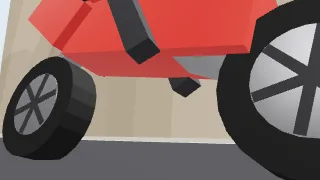
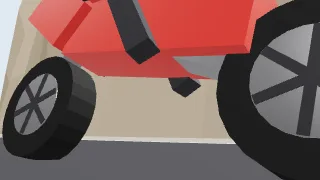
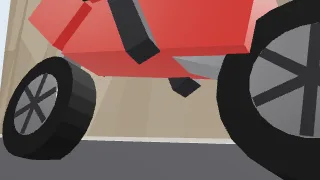
Each shot is a real lens and a real path, written in code. The camera moves through the blocking exactly as planned.
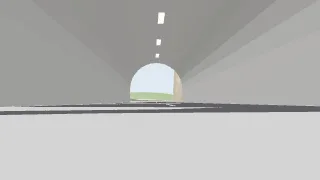
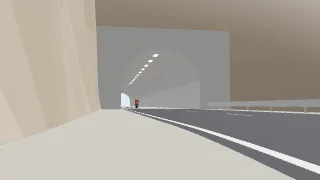
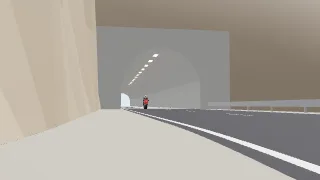
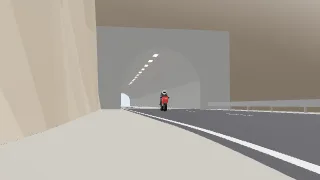
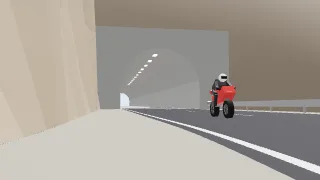
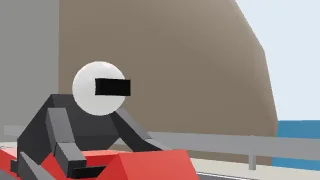
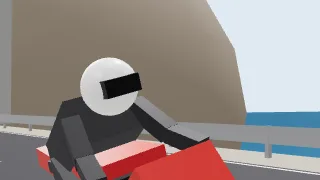
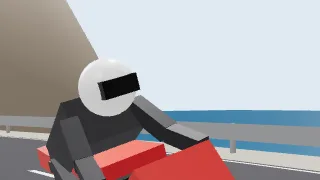
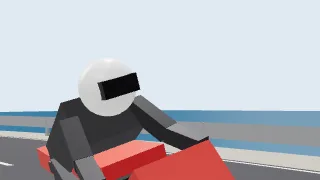
CAM 3 · 35 mm · Out of the tunnel
The same instant, through the camera itself. The video model follows this framing.
CAM 3 · 35 mm00:00:02:10
A new lens or a new path is one line of the shot list. The set stays as it is.
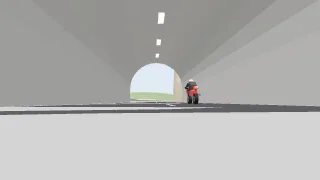
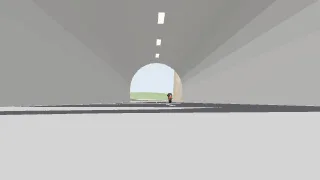
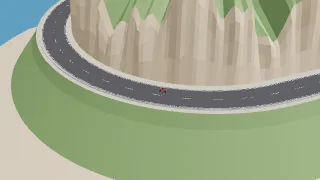
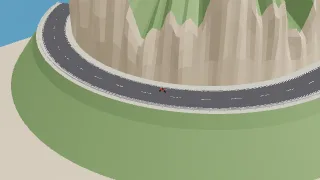
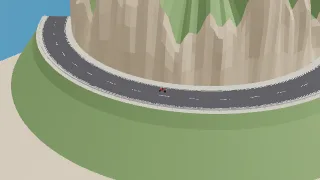
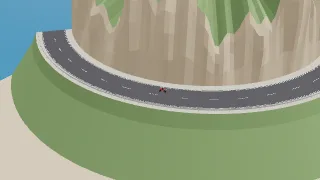
SHOTS = { "p1": (0.0, 4.0, 18, p1, "Ground level, in the tunnel"), "p2": (1.5, 5.5, 20, p2, "Front wheel"), "p3": (2.4, 6.4, 35, p3, "Out of the tunnel"), "p4": (5.0, 9.0, 55, p4, "Rider"), "p5": (6.5, 10.5, 32, p5, "Rear wheel in the bend"), "p6": (8.5, 13.0, 40, p6, "Drone, the coast"),}One 13-second ride, covered by six shots that overlap, as on a real set.
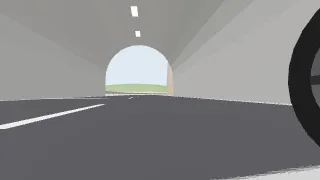
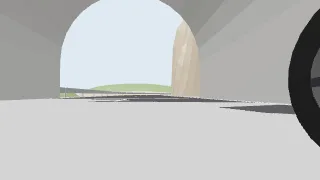
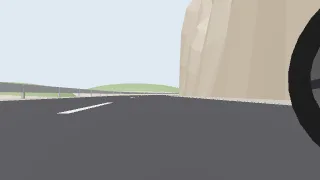
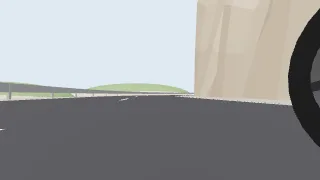
// Try it
Turn around the set, click a camera to look through it, then drag the handle between blocking and shot.
// Use cases
One program, many outputs. Each card below reads the same 3D.
Architectural visualisation
Commercials
Animation
Film & series
Travel & tourism
// Input and output
Input
Your script and the look you are after.
Details
Output
The shots, and the 3D scene that keeps them consistent.
Details
// Explore
The same 3D written as code, put to work somewhere else.
// FAQ
A video model alone invents the layout at every shot, so the set drifts from one shot to the next. With a blocking, the set, the scale and the camera move are decided once in 3D, and every generated shot follows them: the same building, road or character stands in the same place across the whole sequence.
Your script, storyboard or shot list, references for the look, the characters and props that matter, and the duration and aspect ratio of each shot. The set is written at real scale from them, and each camera gets its lens and its path. Timing and price depend on the number of shots and on the size of the set.
Simple volumes at the right size and place, the characters and props that matter, and the cameras. It is quick to write because it carries only the layout; the look, the textures and the light come from the video model and the reference image.
Yes. Each camera is a function in the scene program, with a real focal length and a path. Change the lens or the path, render the blocking again and generate the new shot: the set stays as it is.
With a video diffusion model, here Seedance 2.5, guided by two inputs: the blocking video for the layout and the camera, and a reference image for the look. Layout, scale and camera move therefore hold across the sequence, and a new reference gives the same shot in another style. Fine details such as textures and small props are drawn again at each shot, and the shared reference keeps them close. When a better video model comes out, the same blocking feeds it.
The generated shots in MP4, the blocking video of every shot, one camera per shot with its lens and path, and the scene program with its 3D file. New shots, new looks or a longer sequence start from the same set.
// Model
A new 3D modeling technology built on code.
Every object takes shape part by part.