Input
What we start from
The prop and the range of variants your game needs.
Details
- Concept art or reference photos
- Real dimensions
- The arguments to expose: size, materials, options
- Polygon and texture budget
A game prop written as code is a function: size, wear and options are arguments. Every variant is one call, with the same part names, ready for the engine.
// Why code
A prop written as a program is a prop you can drive: every value, every part, every variant.
Every prop is a function: size, materials, wear and options are arguments, so a new variant is a new call.
suitcase( color="chocolate", locks="combination", straps=False, lid_angle=0, handle_angle=0, combo=(0, 0, 0),)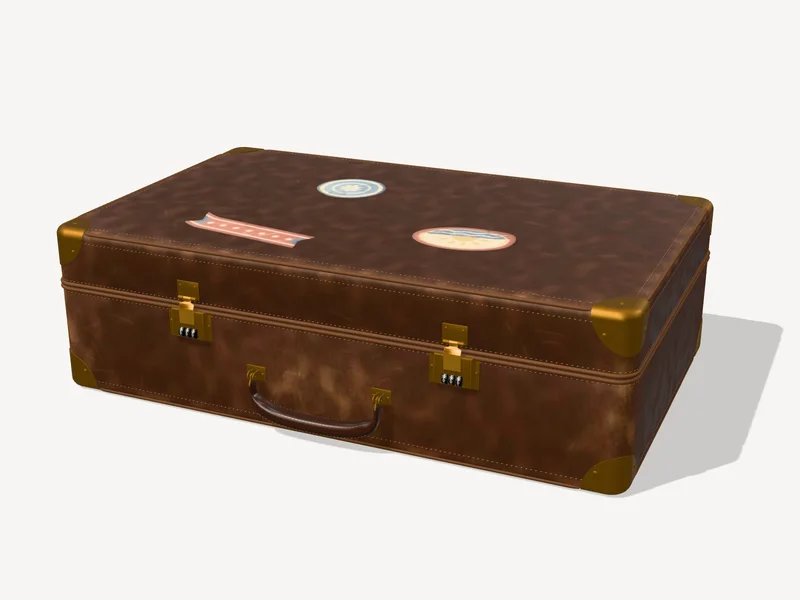
Change the values, not the mesh. Estimated time per new variant.
Time saved per variant
~95%
minutes by call, days by hand (estimate)
Each part of the prop is its own object in the program: edit one, keep the rest.
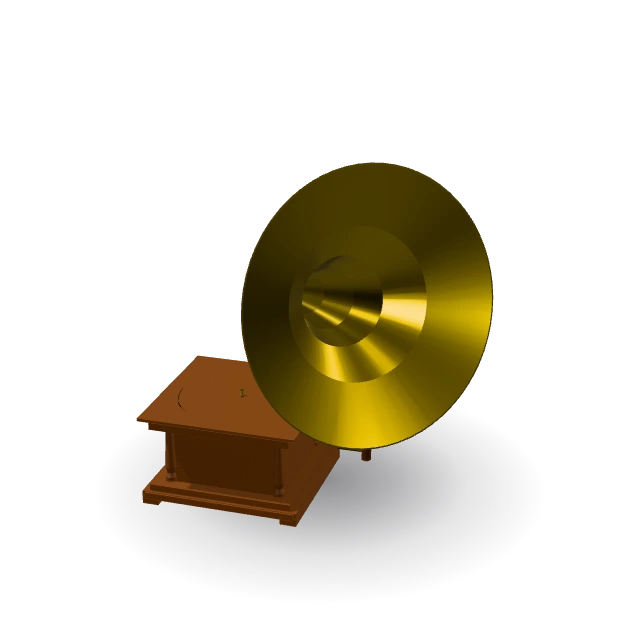 record_player
Furniture, vehicles, instruments, street furniture: the same method for every category.

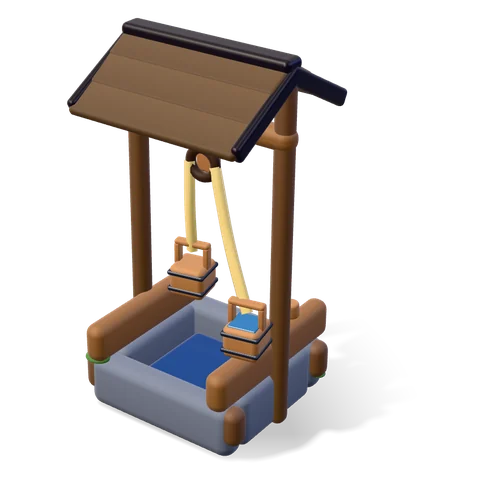
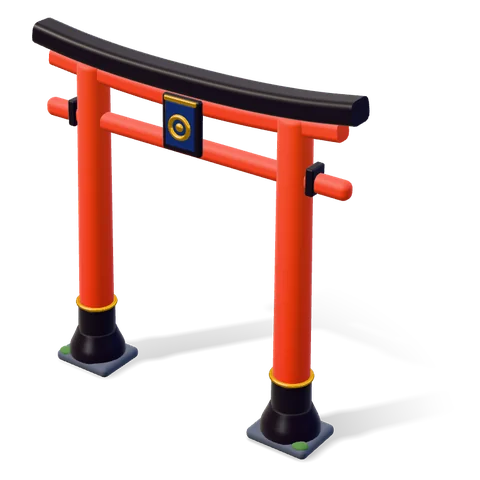

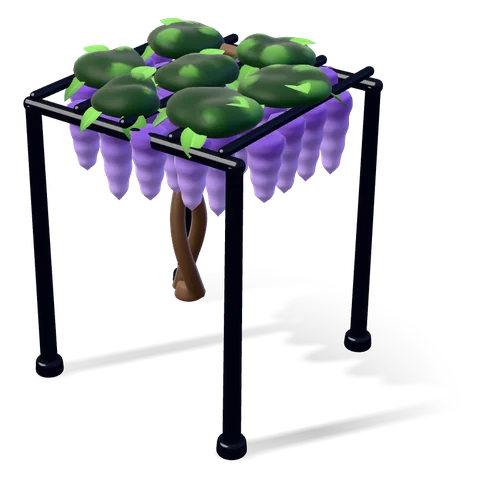

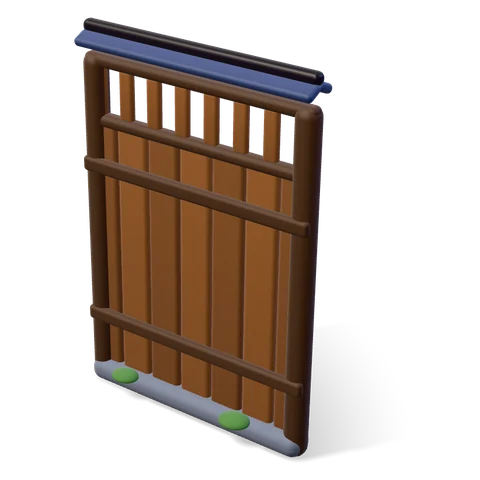
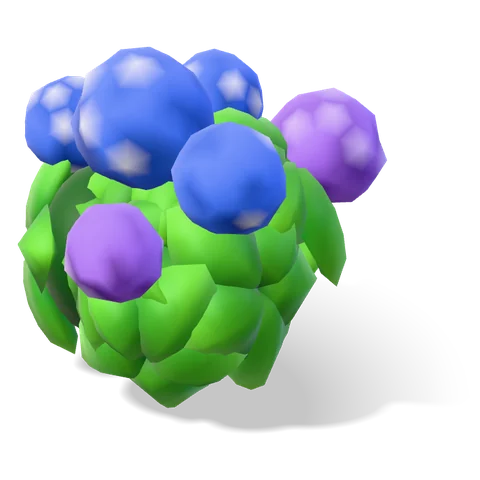
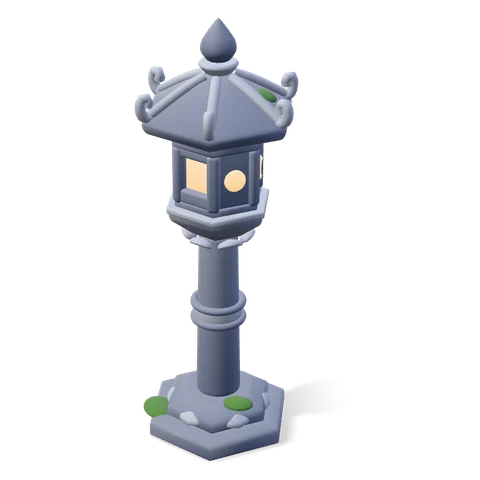
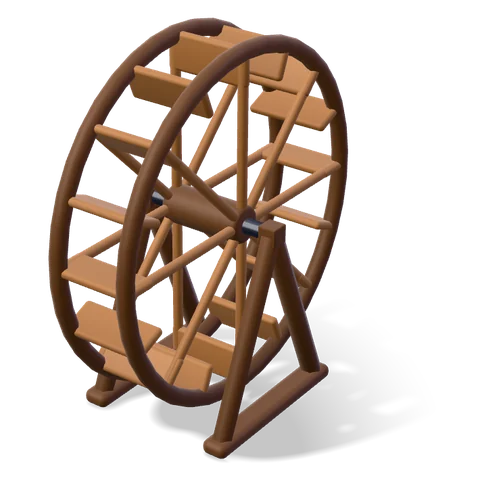

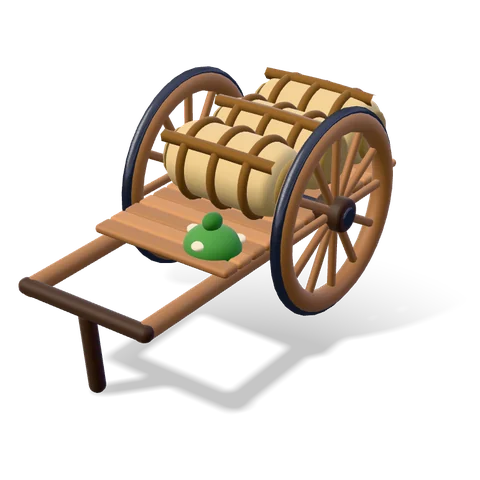

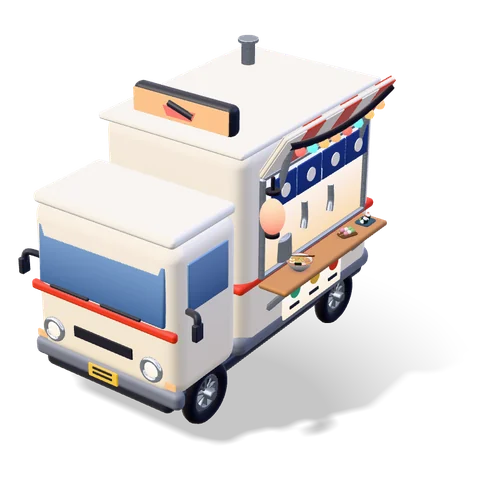
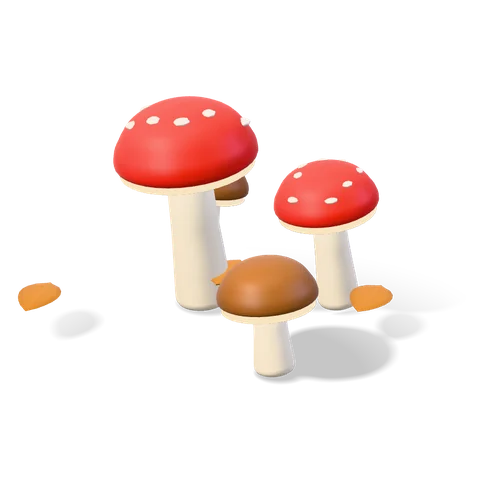
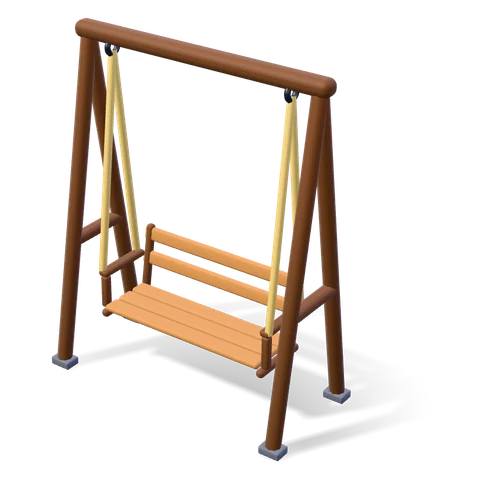
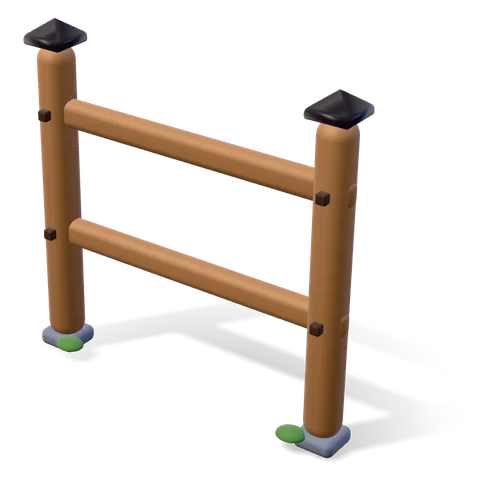

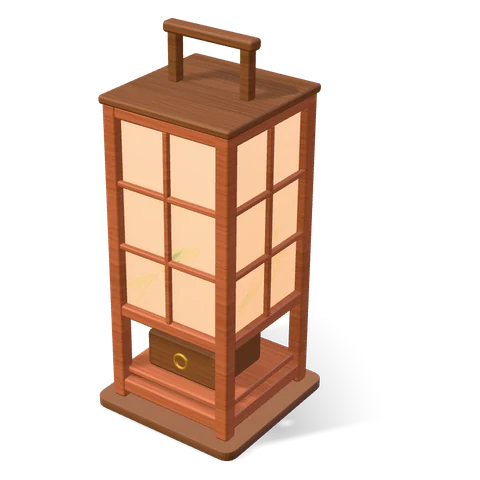
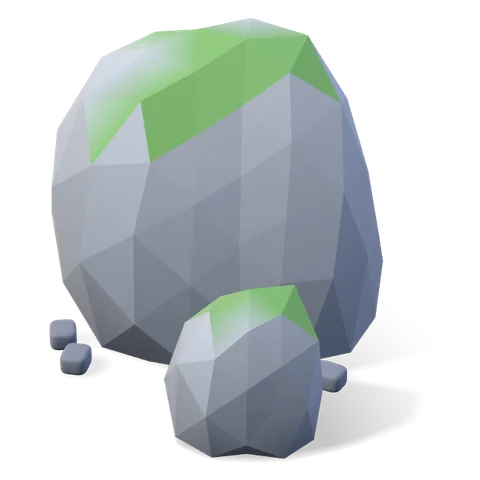
GLB for game engines, USDA and URDF for simulation, OBJ for any tool.
// Use cases
One program, many outputs. Each card below reads the same 3D.
Variants
Level dressing
Prop categories
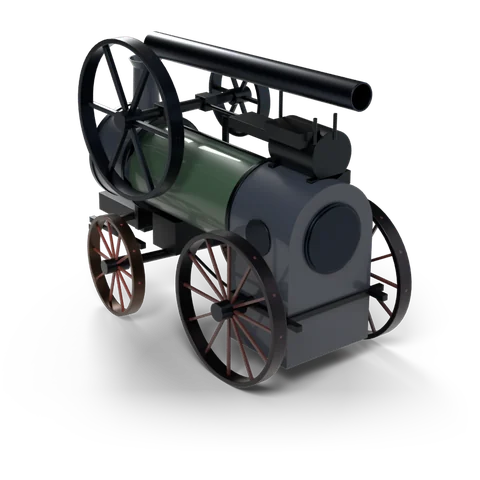 Vehicles
 Aircraft
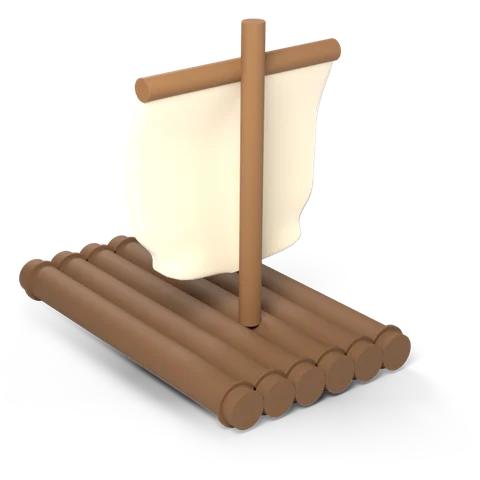 Boats
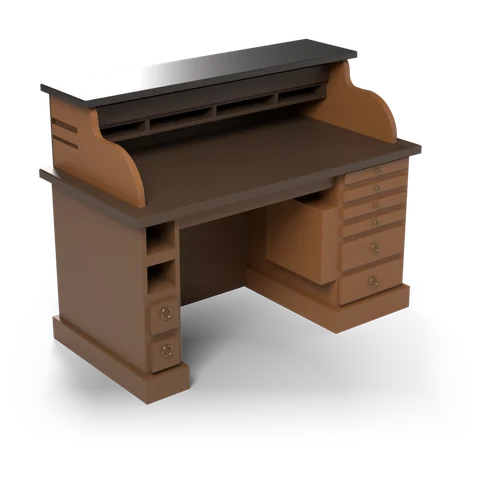 Furniture
 Lighting
 Music
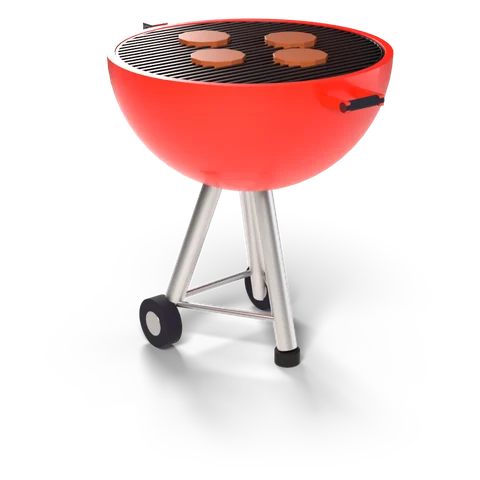 Garden
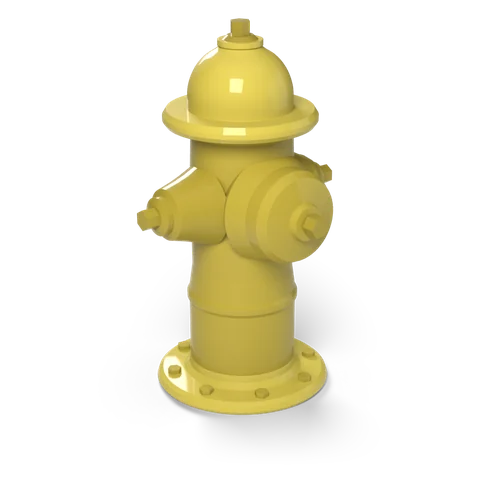 Street
 Fairground
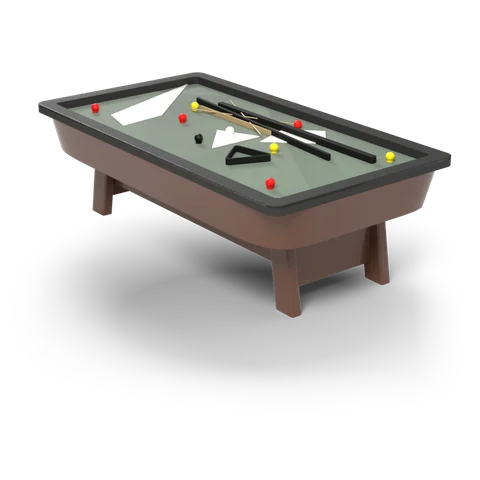 Games
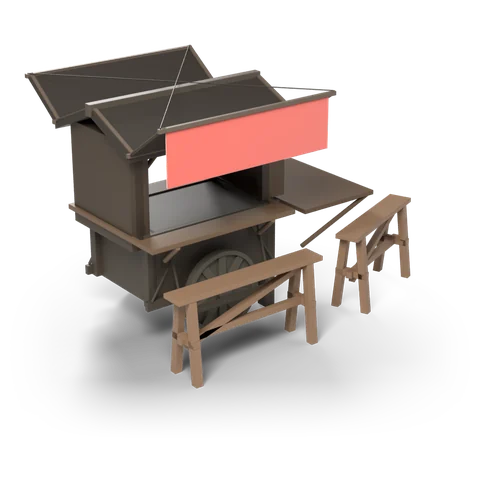 Street food
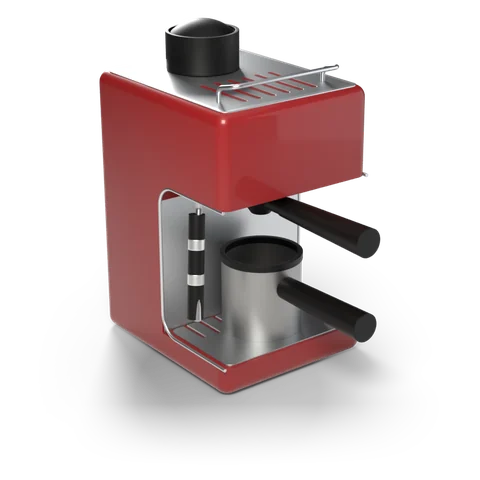 Kitchen
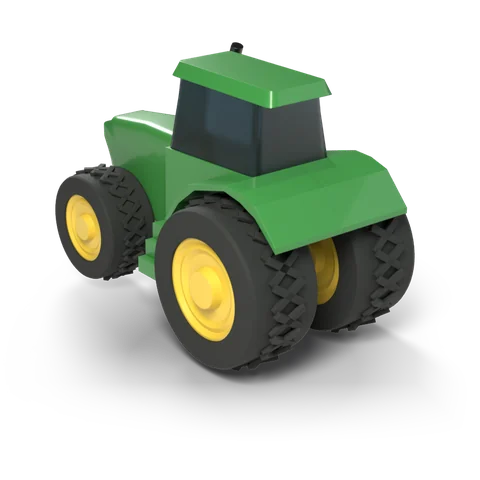 Farm
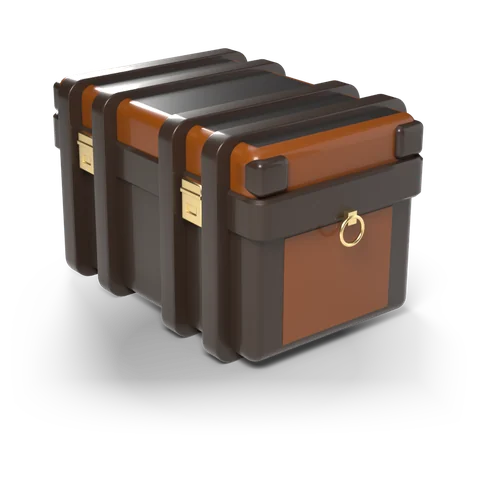 Loot
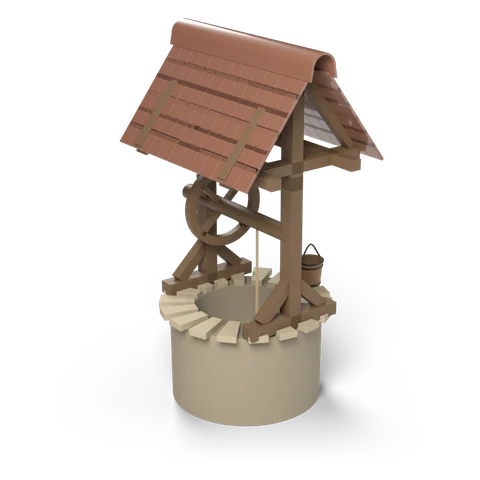 Fantasy
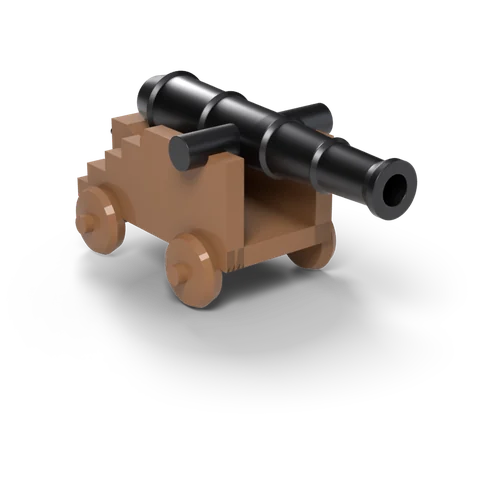 Weapons
 Plants
 Toys
 Electronics
 Decor
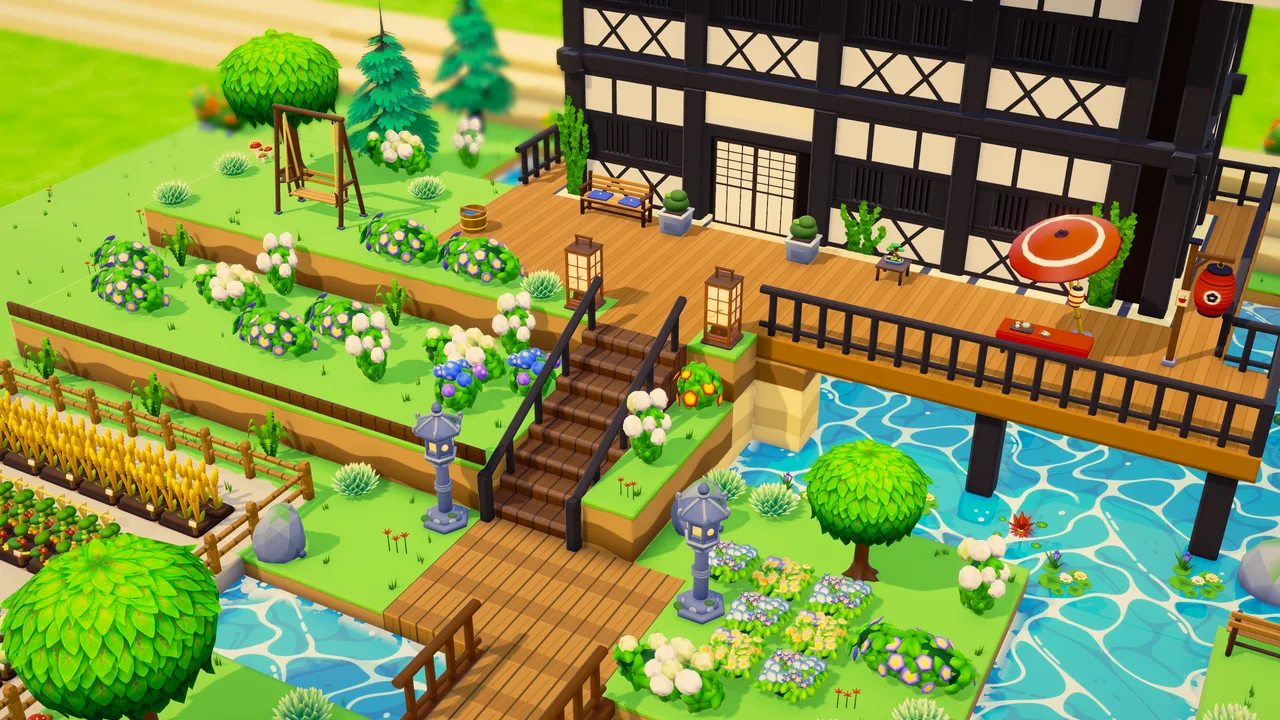
A whole world written in the Sand3D language, built from the library.
// Input and output
Input
The prop and the range of variants your game needs.
Details
Output
One GLB per variant, all from the same program.
Details
// Explore
The same 3D written as code, put to work somewhere else.
// FAQ
As many as its arguments allow: size, materials, wear, labels, straps, colourways. Each variant is one call with its own values and is checked like the default prop, so a level gets many distinct props from one validated design.
Yes. A strap is called strap_left in the cabin case and in the large one, and each part is its own node in the GLB. Gameplay scripts, physics and interactions in the engine keep working on every variant, and one part can be edited on its own.
Any engine or tool that reads GLB: Unity through glTFast, Unreal Engine through its glTF importer, Godot natively, three.js on the web. USDA goes into OpenUSD pipelines, and URDF into robotics simulators such as Isaac Sim.
Yes: the budget is part of the brief, next to the concept art, the real dimensions and the arguments to expose. Detail such as the number of segments on curved parts can itself be an argument, so lighter versions for mobile come from the same program. Tell us your target platforms early, since mobile and PC games call for different budgets.
Yes. Any value in the program can become an argument, and the default call keeps building the validated prop. Art direction can evolve, and the whole library follows from the same programs.
Yes: the programs are delivered with the GLB files. Your team can call them with new values for more variants, edit a function to change a part, or start a new prop from an existing one. The programs are plain Python, one function per part.
// Model
A new 3D modeling technology built on code.
Every object takes shape part by part.