Input
What we start from
A laser scan of the site or the equipment.
Details
- Point cloud in E57, PLY or LAS
- Terrestrial or mobile scanner
- The elements you need as separate parts
- Photos of the site, when available
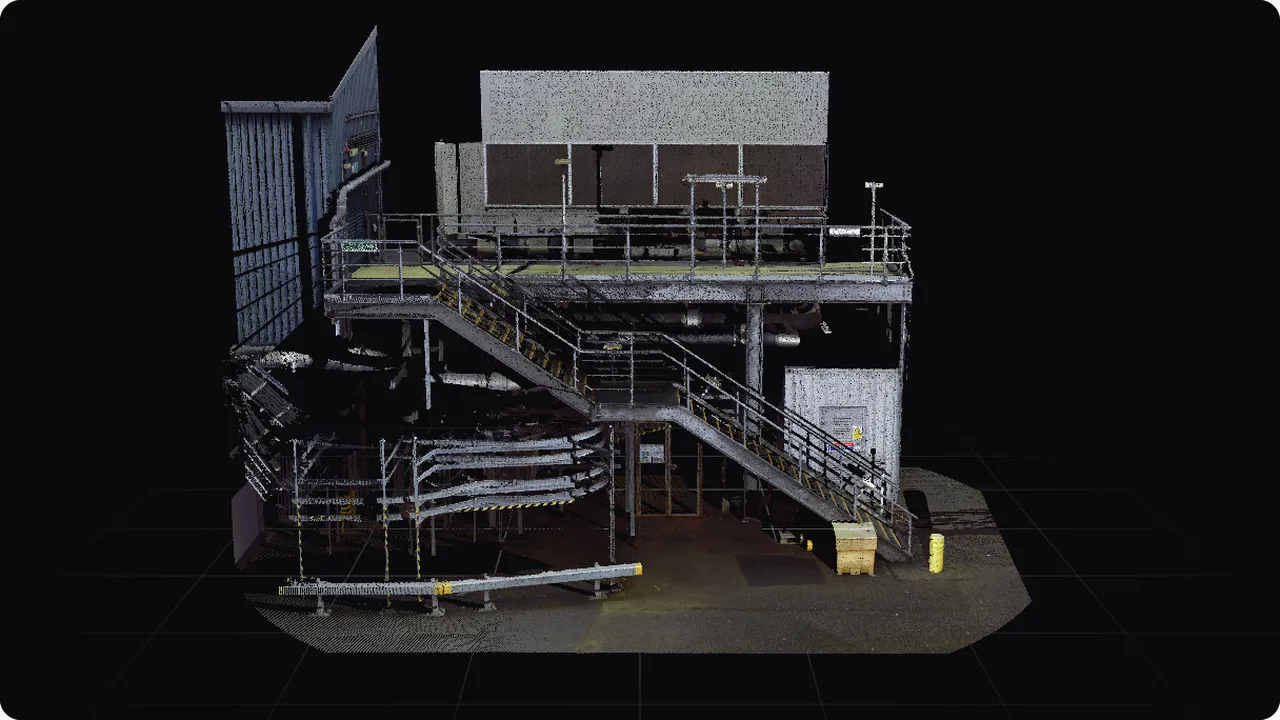
A scan is exact and holds only points. Each element of the site is rebuilt as its own part written in code, at the scanned dimensions, with its measured gap to the points.
Each point is assigned to a part of the site.
A block of Python rebuilds each part where its points are.
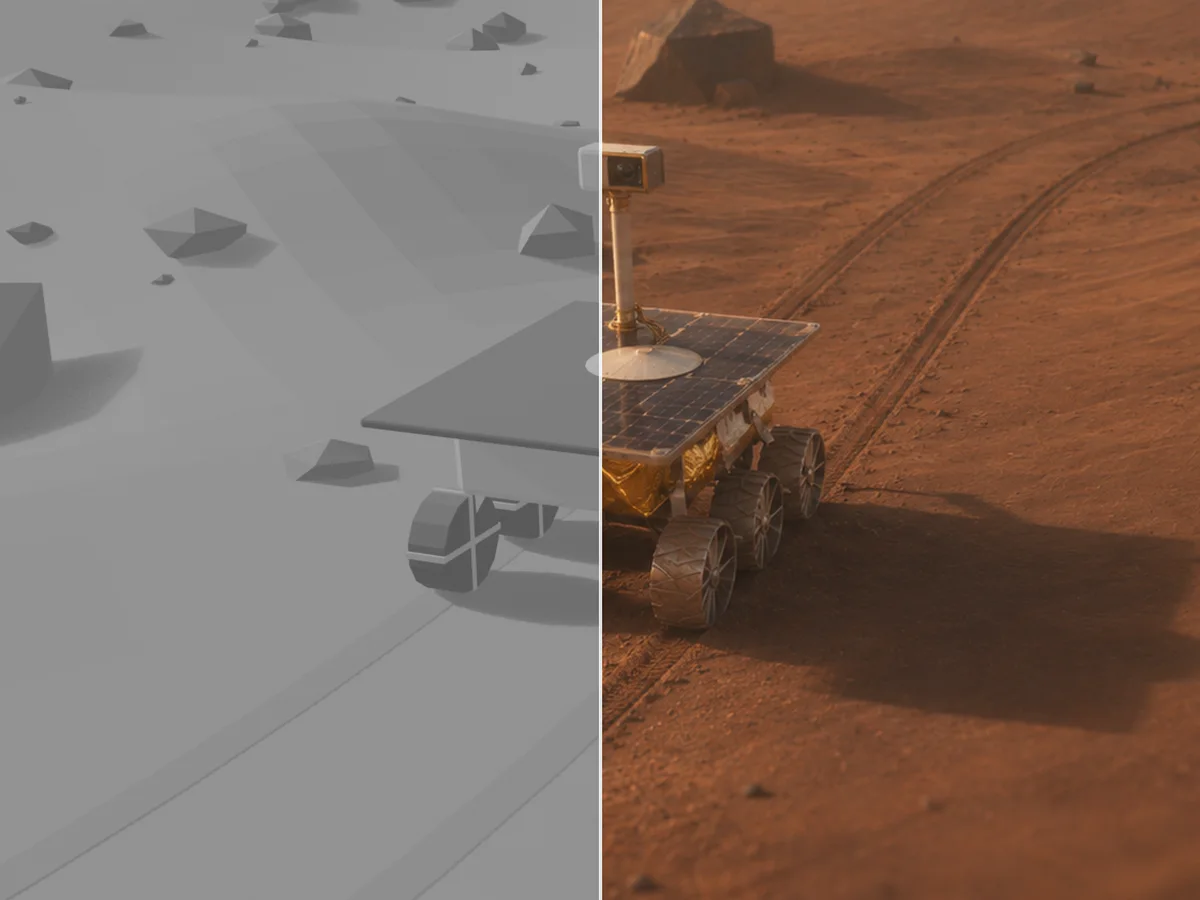
The scan on one side, the clean parts on the other.
Named and measured, for a digital twin or a simulation.
// Why code
Each element of the scan becomes a named part, with its gap to the points in millimetres.
Every point of the scan is sorted to its part, each part is rebuilt as its own program, then the object comes back together.
Teams learn each step on the plant in 3D, valve by valve, while production keeps running.
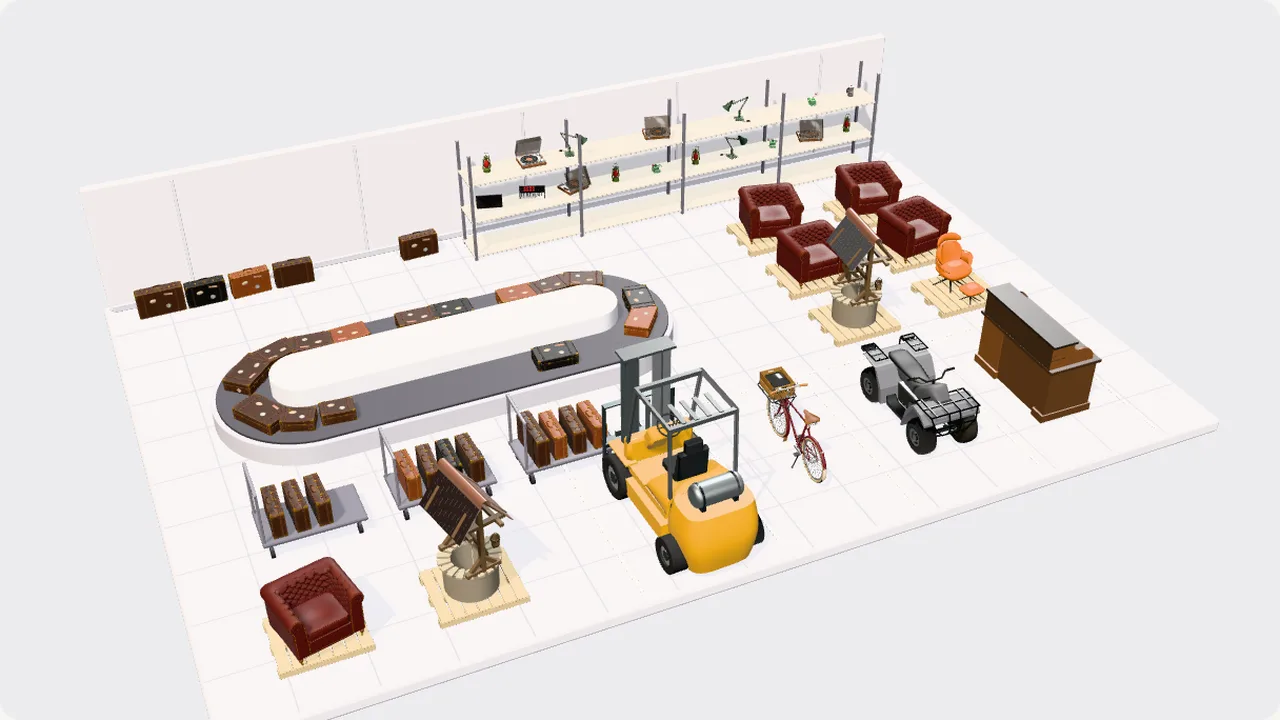
Tanks, drums, pallets, barriers: each element of the site is its own part, to find, move or replace.
USDA for Omniverse and Isaac Sim, GLB for any engine: the site runs its own process in simulation.
16 parts weigh 0.27 MB, against 4.3 MB for 1.5 million scan points.
NameSize
16 times lighter
// Use cases
One program, many outputs. Each card below reads the same 3D.
Simulation & robotics
Storage
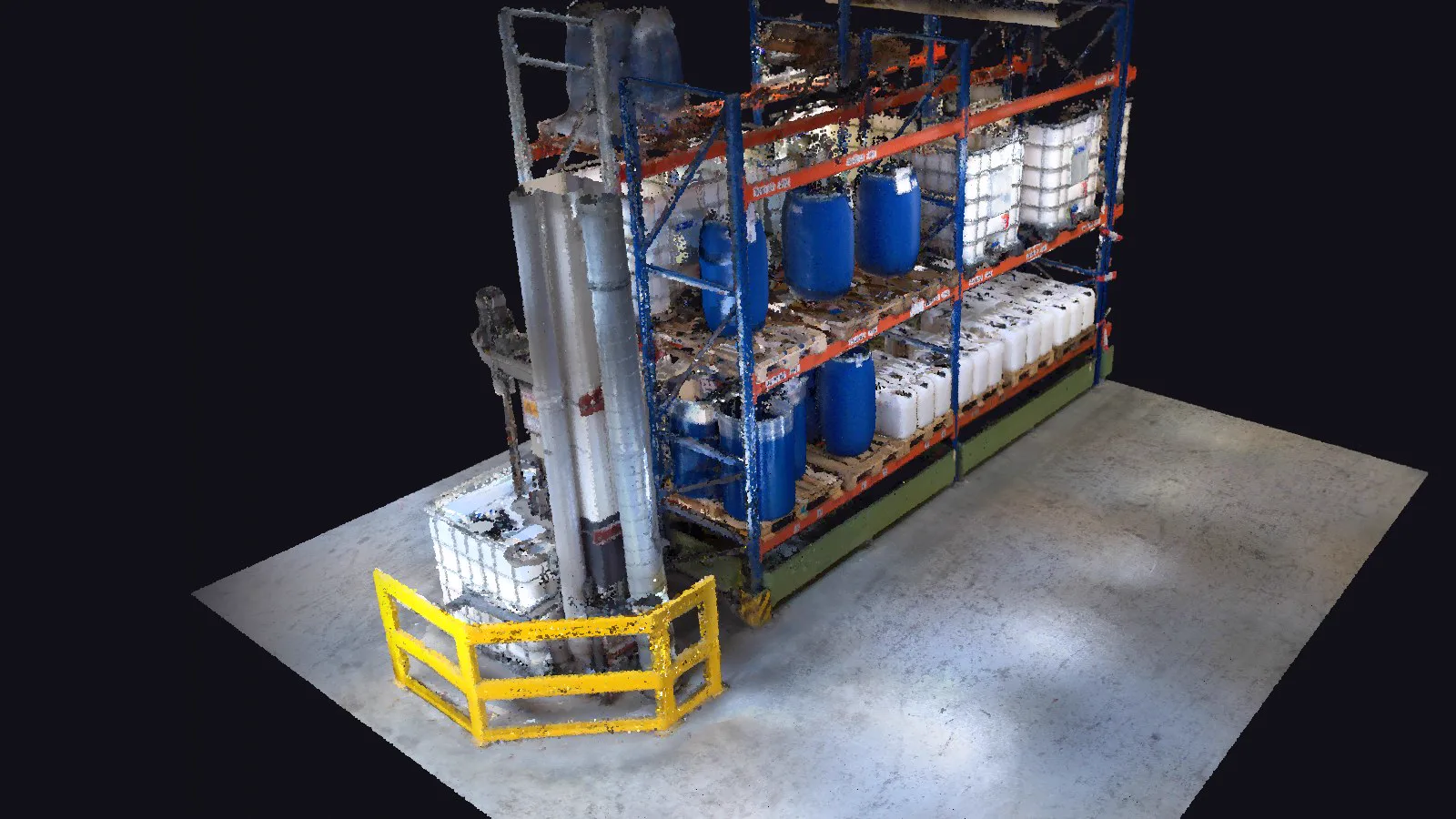
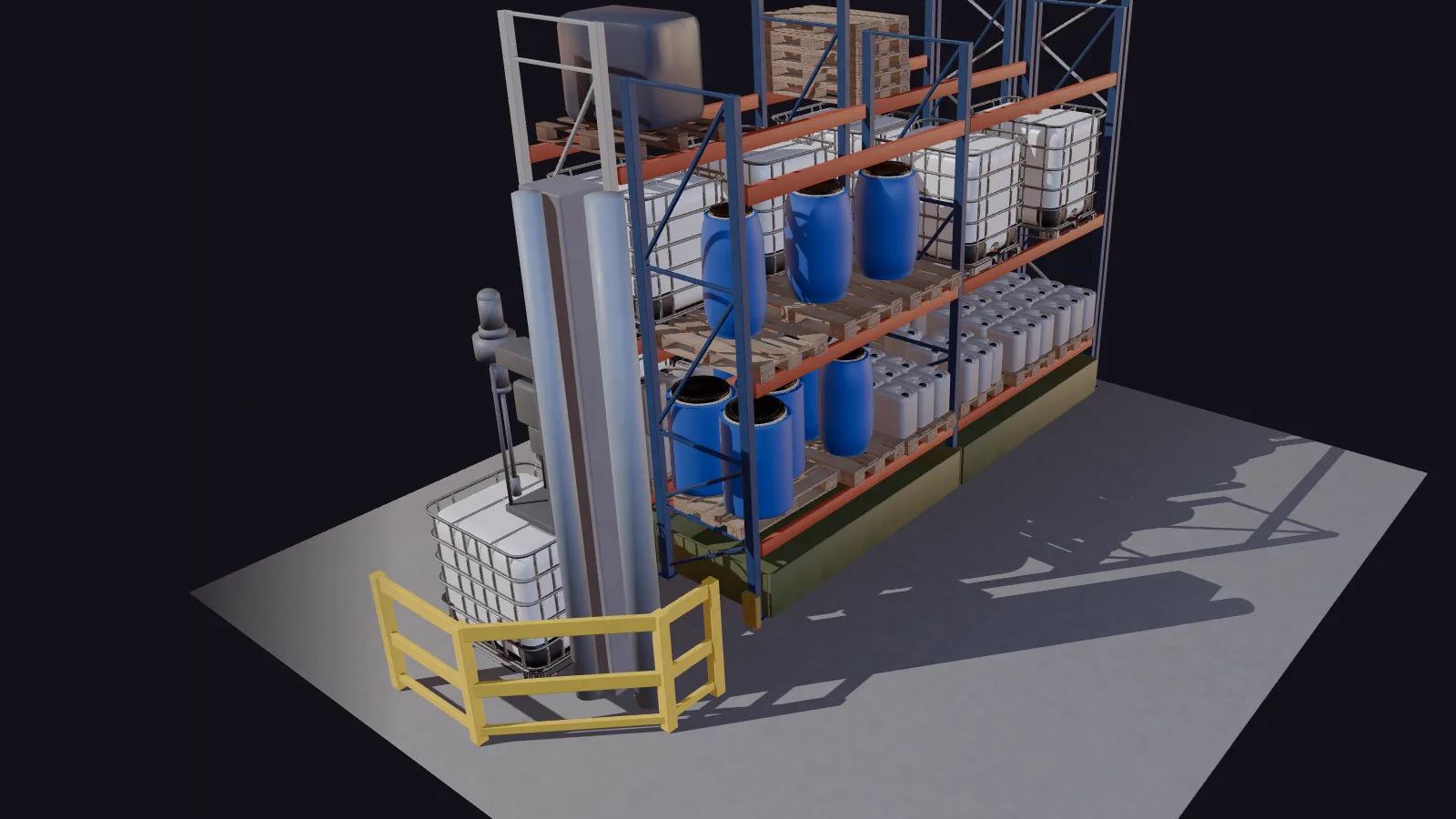 Laser scan3D parts
Digital twins
Utilities
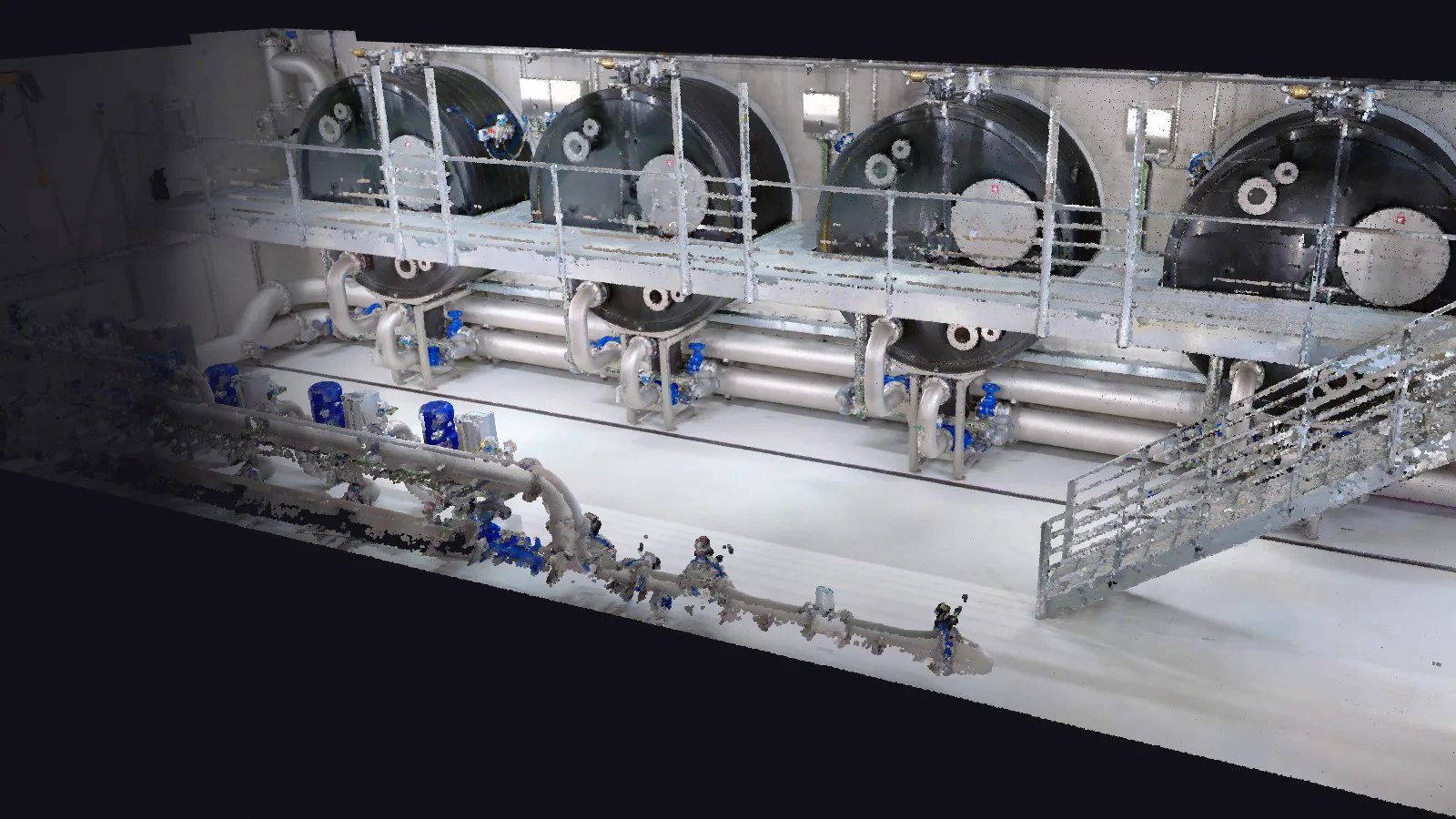
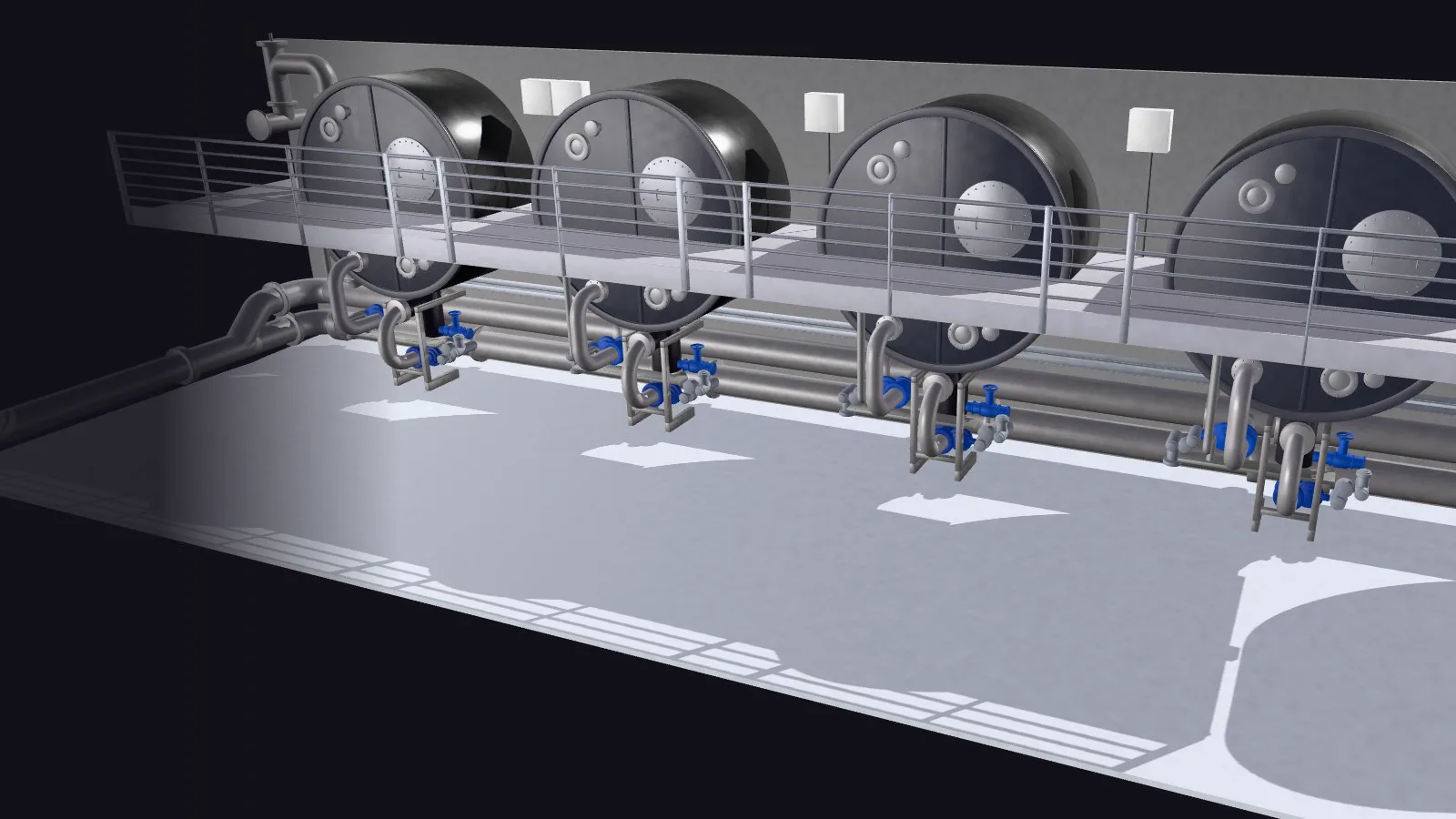 Laser scan3D parts
// Input and output
Input
A laser scan of the site or the equipment.
Details
Output
Separate parts, each with its program and its measured accuracy.
Details
// Explore
The same 3D written as code, put to work somewhere else.
// FAQ
Scanning software meshes the whole cloud as one surface, so rails, steps and walls fuse together and gaps are often bridged with guessed surfaces. Here each element becomes its own part, written in code, with its name, its dimensions and its measured gap to the scan. You can count it, move it, hide it or replace it, and a repeated unit is one part placed many times.
Built sites and equipment made of distinct parts: stairs, gantries, machines, racks, tanks, piping. Repeated units such as filters, pumps or rack bays are rebuilt once and placed everywhere they appear. Free-form surfaces such as terrain, rock or vegetation are best kept as a mesh of the scan.
Each part is measured against the points it comes from and carries its gap in millimetres, as a median and a 90th percentile. The scan sets the floor: a mobile scanner is noisier than a terrestrial one, and the gap includes that noise. You can check any part yourself with a cloud-to-mesh distance in CloudCompare.
Every part exports to USDA for NVIDIA Omniverse and Isaac Sim, and to GLB, OBJ and STL, one named object per part at real dimensions. The program comes with them, one block per element, so a part can be edited and exported again. For a model in a BIM schema such as IFC, tell us your requirements before the project starts.
Scans of sites and plants are often confidential, so tell us your constraints before sending any file. The delivered parts are geometry rebuilt in code: they carry the shapes and dimensions of the elements you asked for, and the raw points stay in your scan.
// Model
A new 3D modeling technology built on code.
Every object takes shape part by part.