Input
What we start from
The product and the shots your catalogue needs.
Details
- Photos of the product from several angles
- Its dimensions and the label artwork
- The list of shots and settings
- The variants of the range
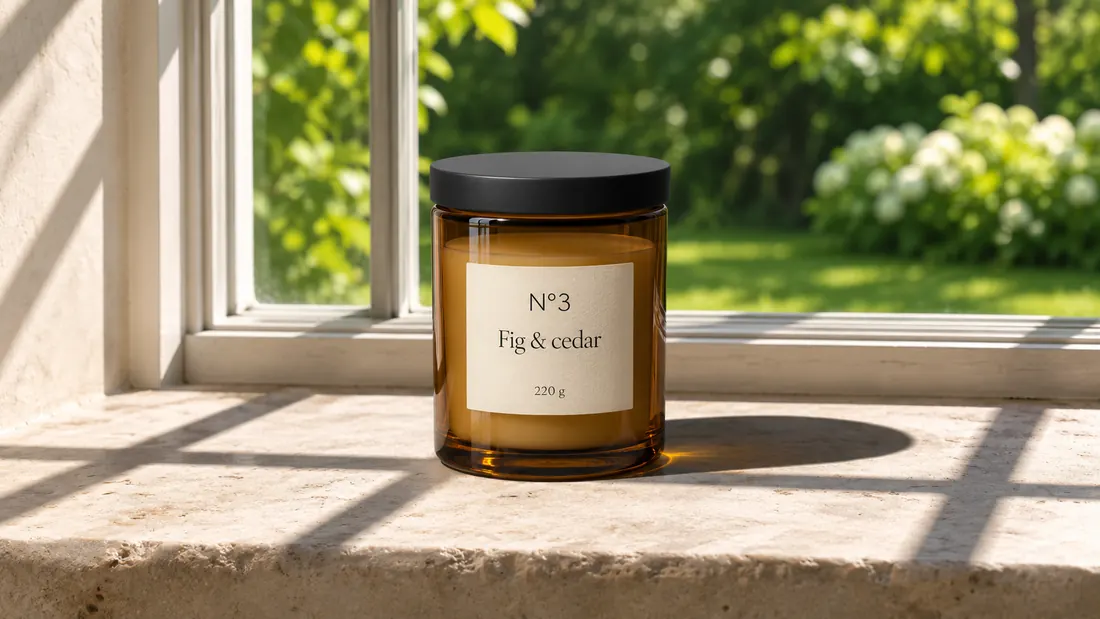
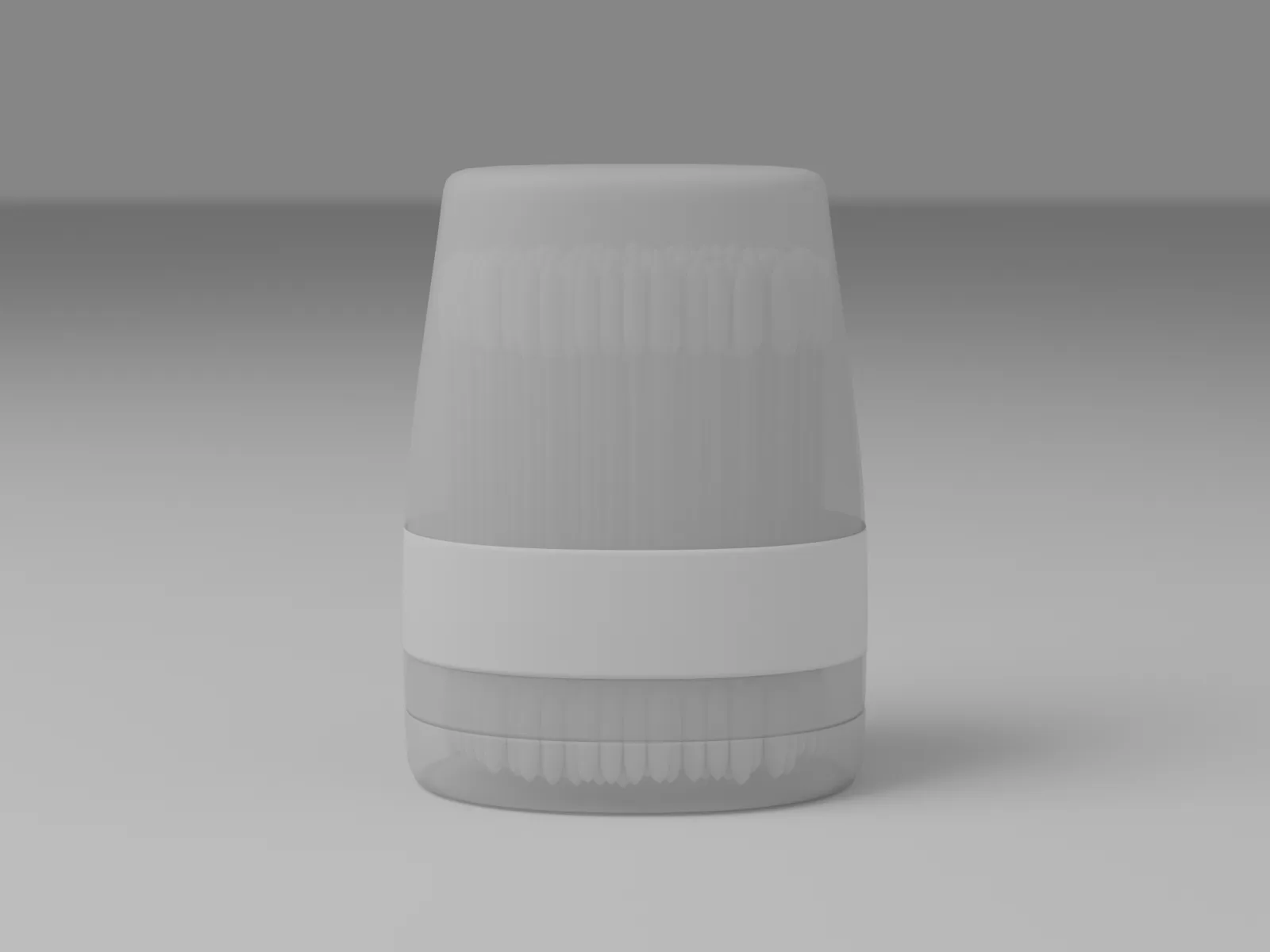
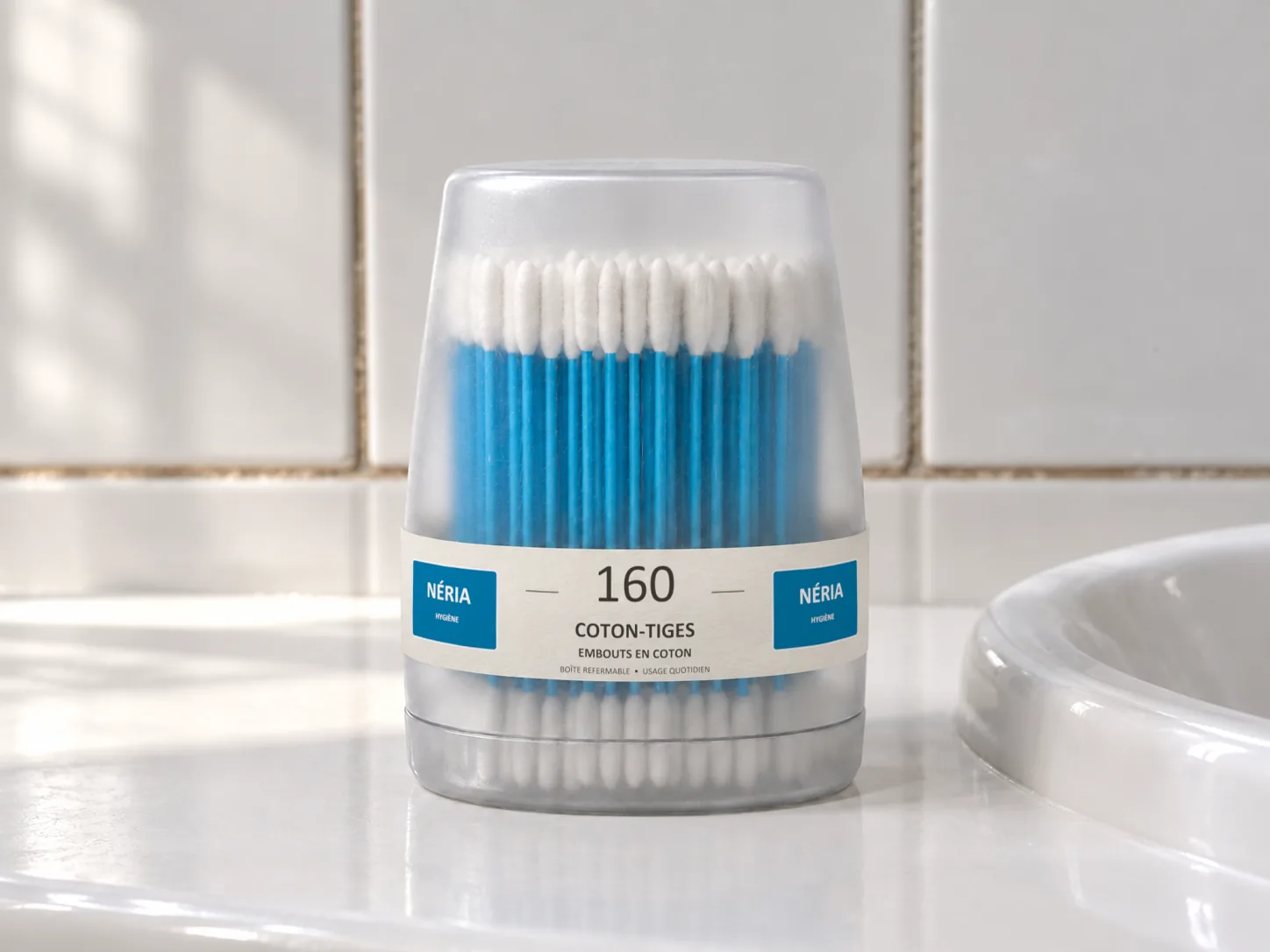
Built in 3D first, generated on the render: every angle, every setting and every variant of a range shows the exact product, its label included.
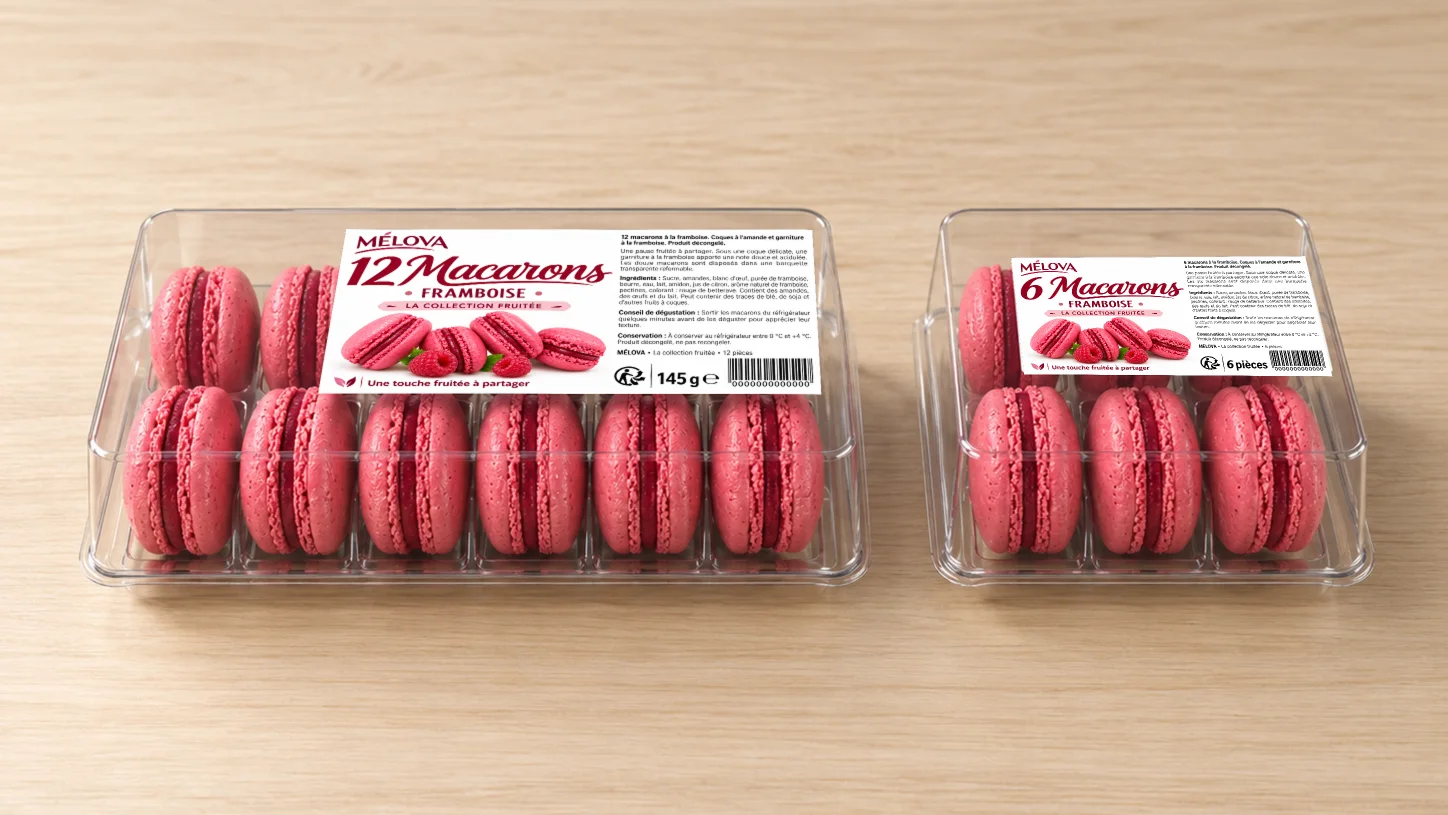
Tray, lid and macarons, built from reference photos.
The real label artwork goes on last, as printed.
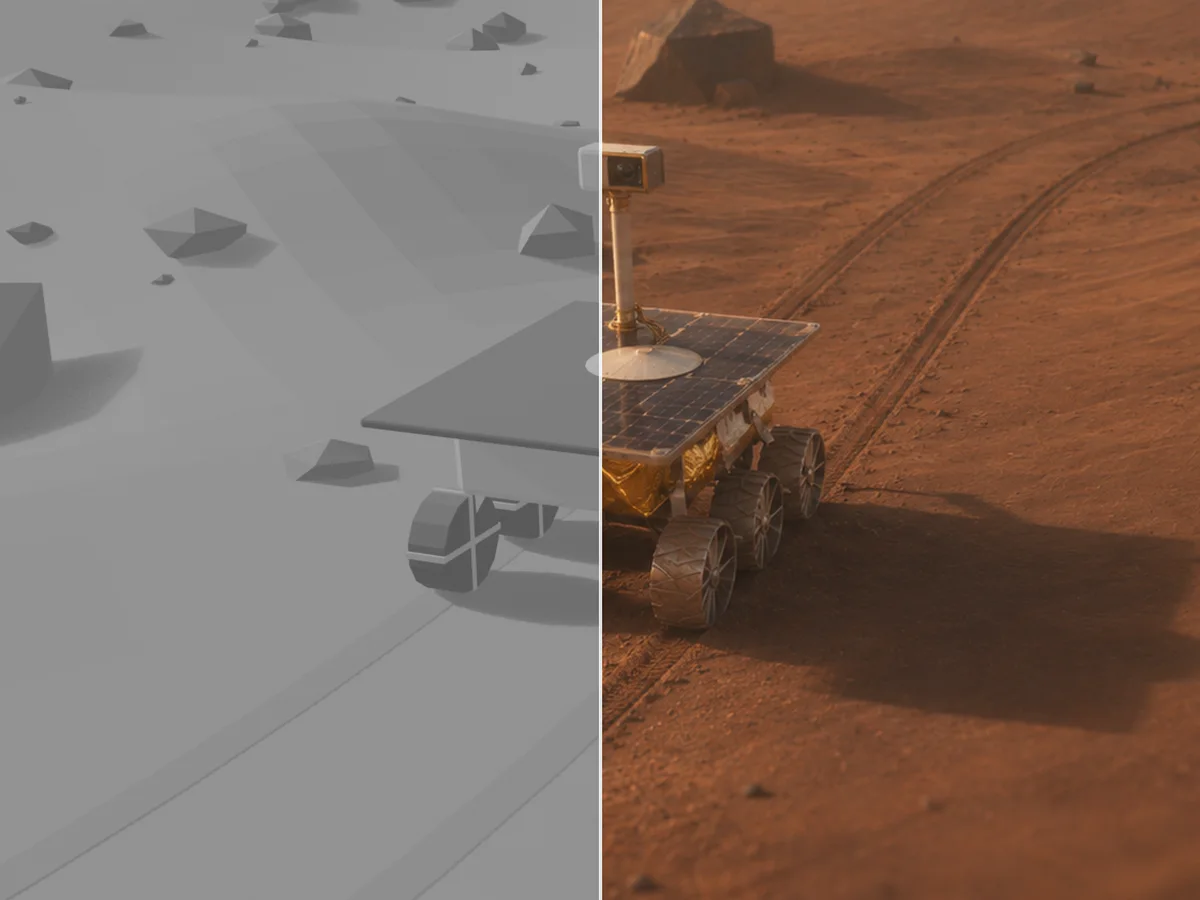
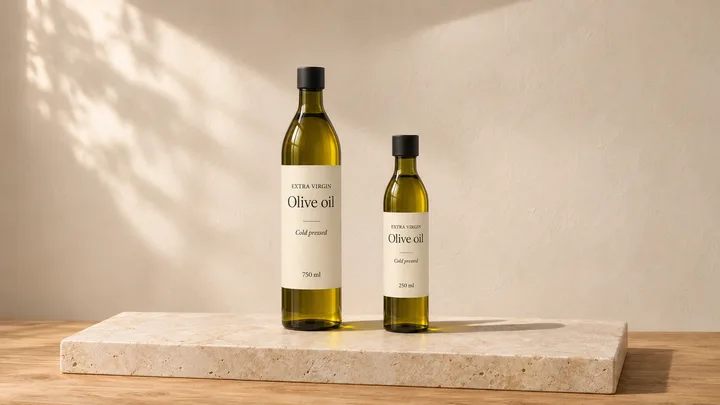
Same frame, same product, now a photo.
// Why code
The 3D fixes the pack and its label; the image model adds the light and the place.
The 3D sets the shape, the size and the label. The image model makes the photograph, camera for camera.
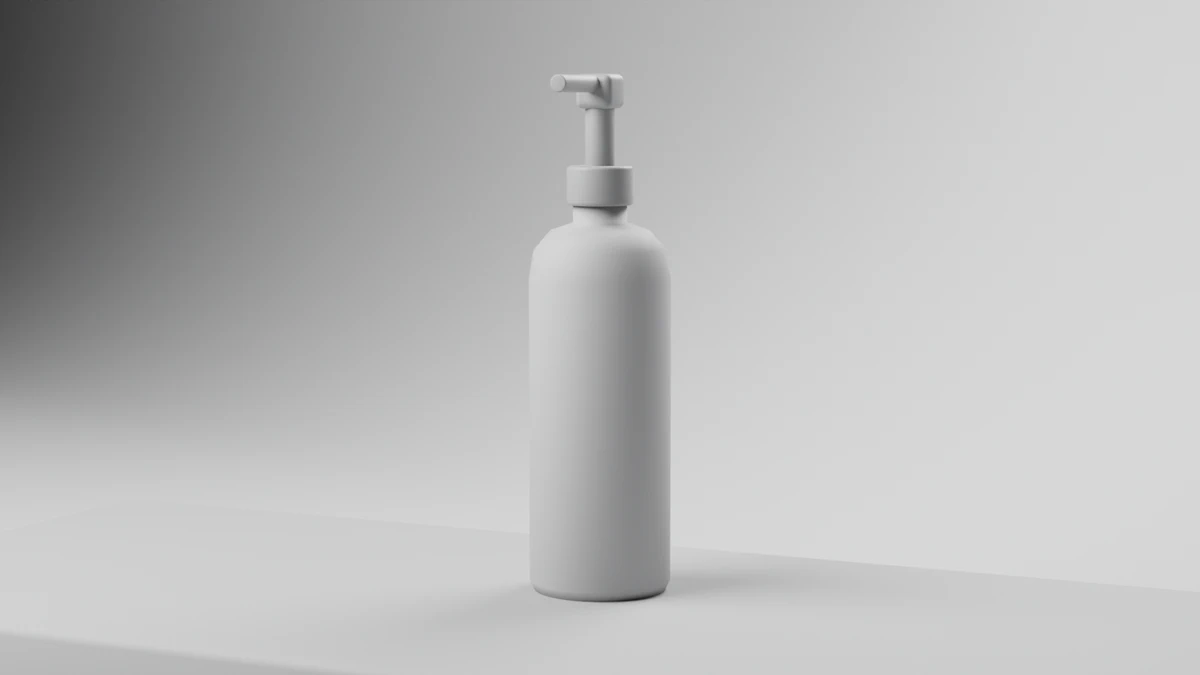
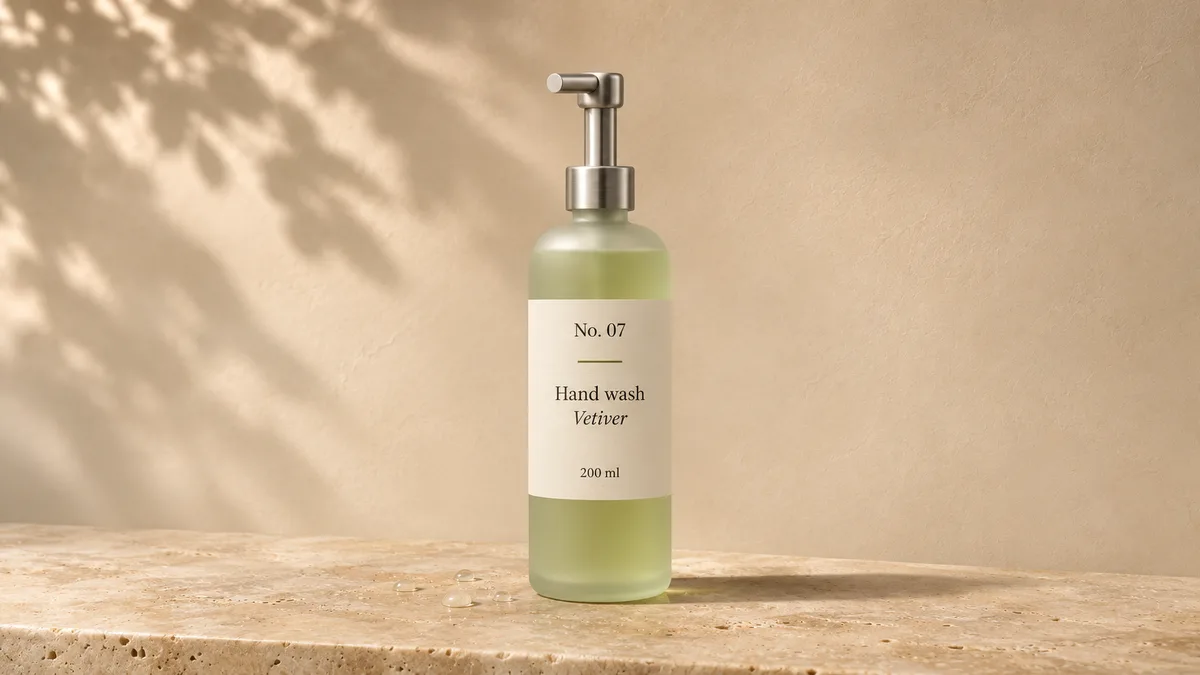
The approved artwork goes back on the final image: every word stays sharp and exact.
Everything happens on a computer: the render and the prompt replace the studio and the shoot.
Time to a new visual · estimate
≈ 3 weeks
 ≈ a few hours
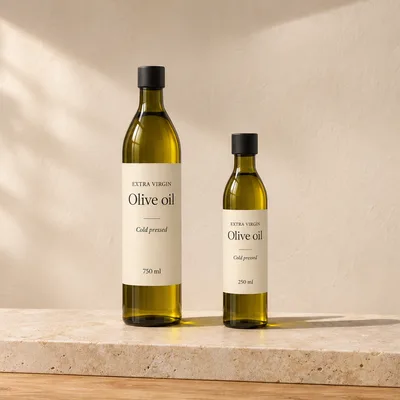
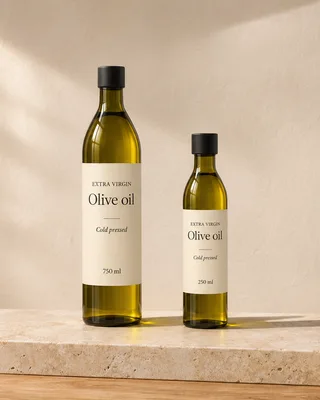
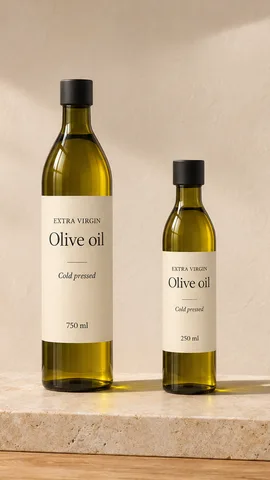
The same scene renders at each ratio a channel asks for: square for the shop, vertical for social, wide for banners.
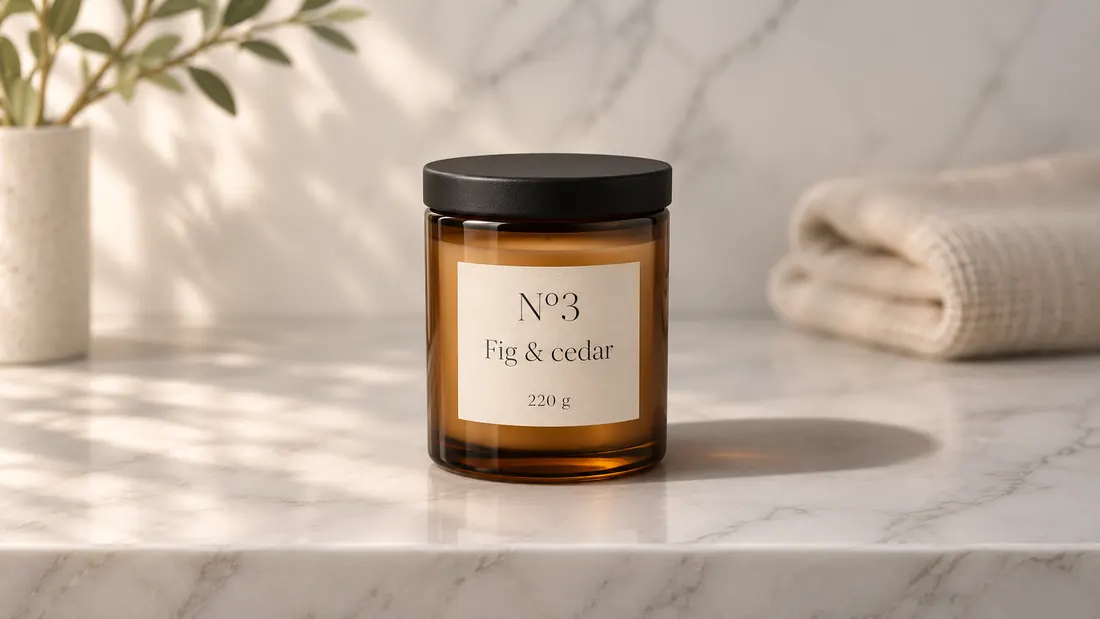
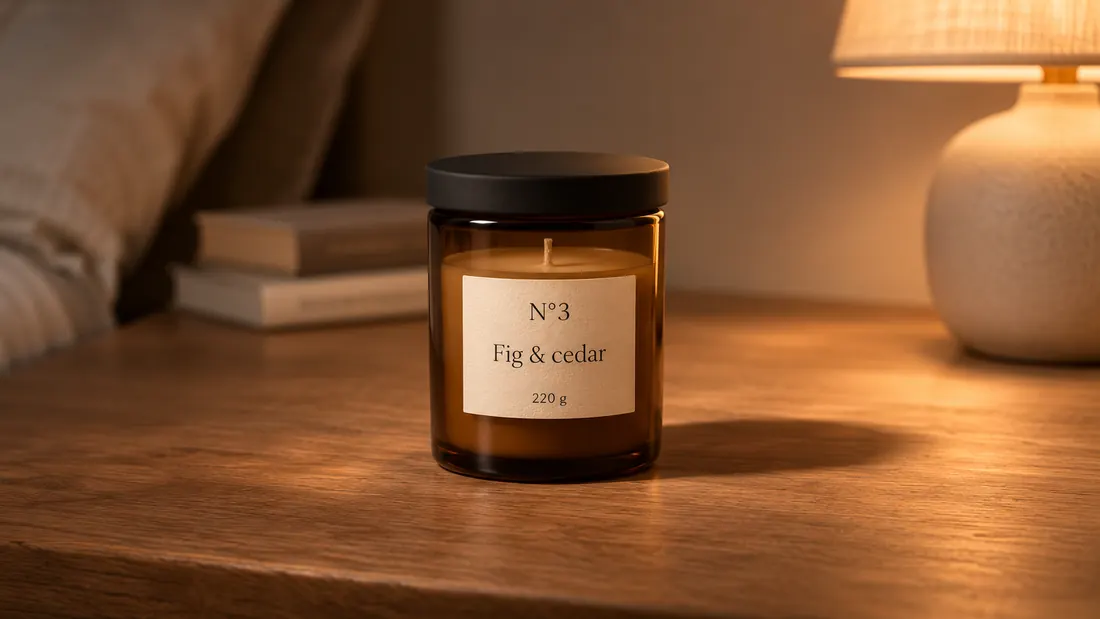
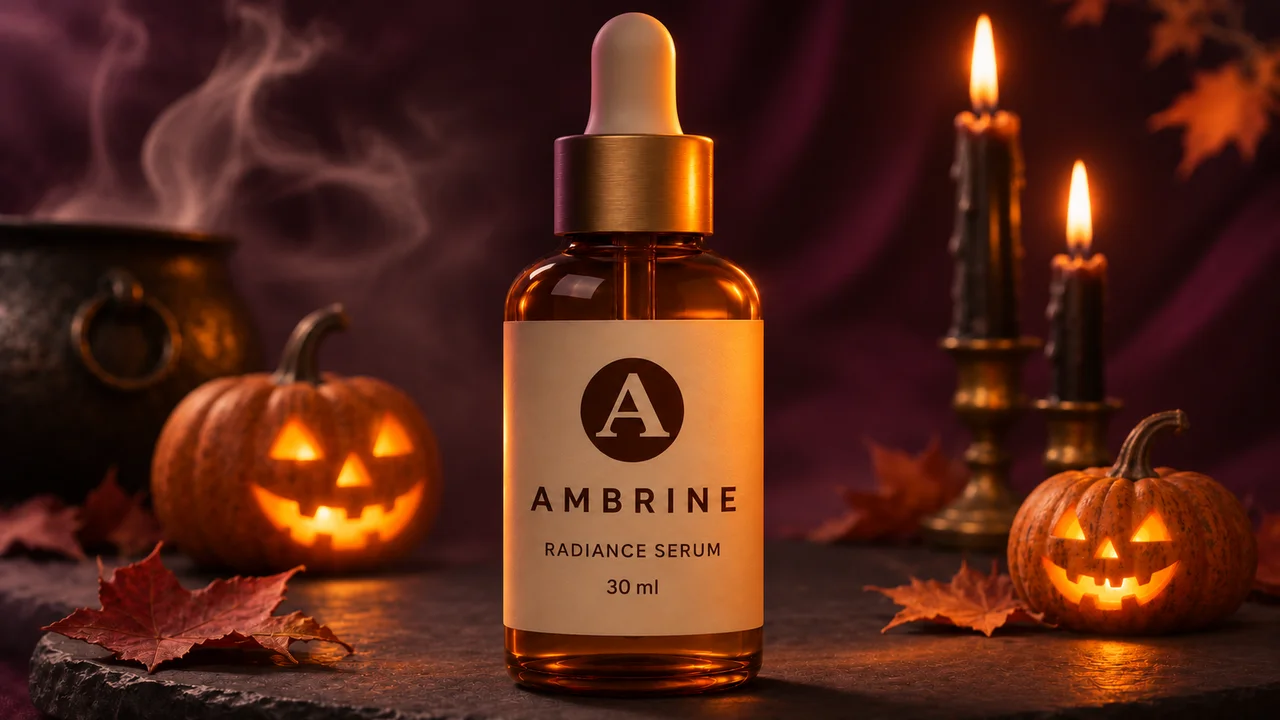
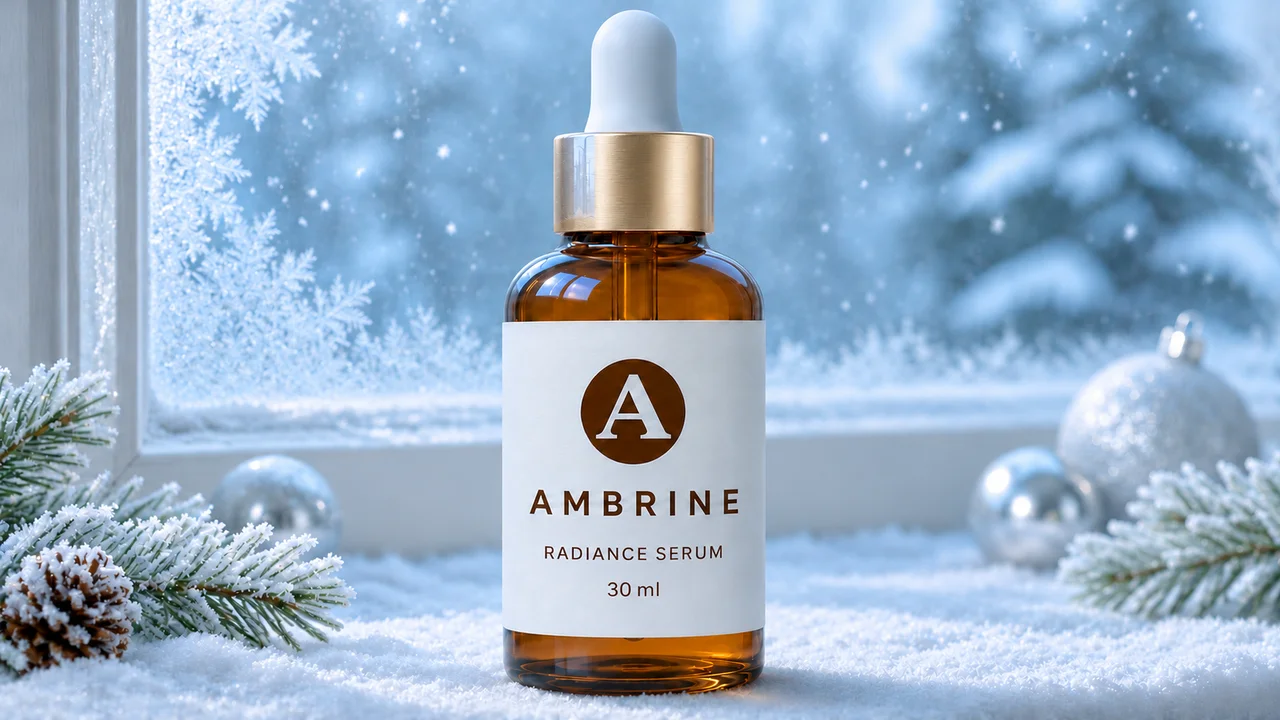
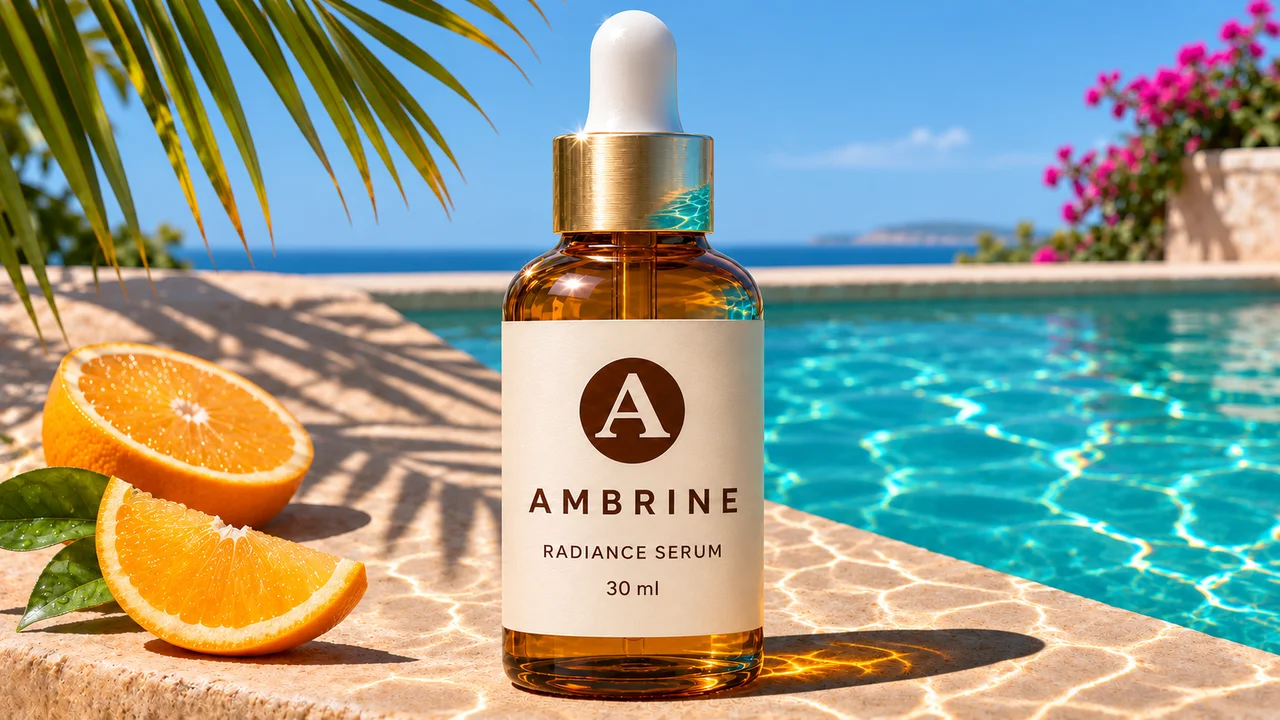
A new setting is a new prompt on the same renders. The product stays the same, image after image.
// Use cases
One program, many outputs. Each card below reads the same 3D.
E-commerce
 3D blockingPackshot
Range extensions
Lifestyle
Retail
// Input and output
Input
The product and the shots your catalogue needs.
Details
Output
Packshots of the whole range, and the 3D that made them.
Details
// Explore
The same 3D written as code, put to work somewhere else.
// FAQ
An image model alone redraws the product in every image: proportions drift and label text breaks. Starting from the 3D render fixes the shape, the size and the label artwork; the model adds light, material and setting around them. Every angle and every setting shows the same product, the one in the 3D.
Photos of the product from several angles, its dimensions and the print-ready label artwork, then the list of shots, settings and variants your catalogue needs. The pack is modelled from those photos and measurements, so the physical product stays with you. Timing and price depend on the number of products, variants and settings, and each range is quoted on its own.
The label is the real artwork, applied on the 3D pack as printed, and it is set again on the final image from the 3D render. The diffusion model works around it, so the text, the logo and the claims are the ones you approved, down to the small print of ingredients and legal mentions.
A new flavour, pack size or label is a value or a new artwork file in the program. The same cameras render it again and the packshots are generated on those renders, so the new variant matches the rest of the range angle for angle. As an estimate, count hours for a new variant where a new shoot takes weeks; the exact time depends on the number of shots and settings.
A diffusion model, guided by the render of the same camera. The 3D decides the product; the prompt decides the light and the setting. A seasonal campaign or a new market is a new prompt on the same renders, and when a better image model comes out, the same renders and labels feed it.
Packshots for every camera, setting and variant, with the real label in each one, and the 3D product that made them. The 3D is a GLB with named parts at true scale, so the same file serves a product viewer or the next campaign.
// Model
A new 3D modeling technology built on code.
Every object takes shape part by part.