 360°
Input
What we start from
What you already have on the product.
Details
- Product photos or technical drawings
- Overall dimensions in millimetres
- The list of finishes and options
- CAD files, when they exist
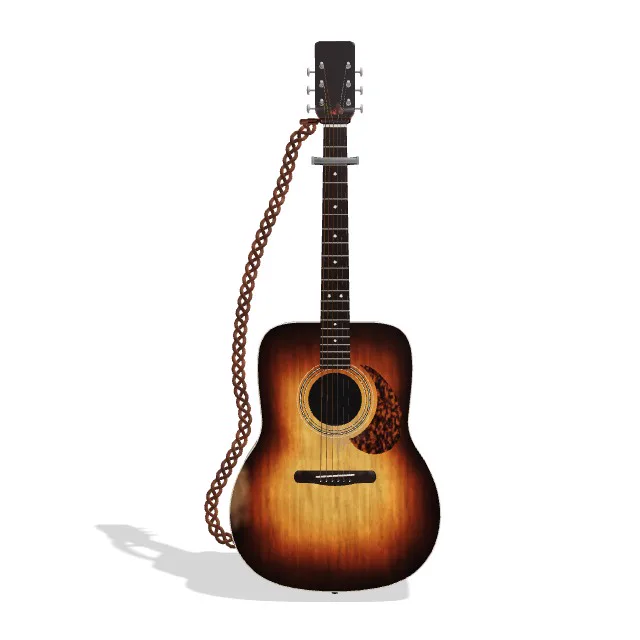
Staged in an architect's viewer, on a brand's website or on a product page: the same 3D product, written as code, with named parts, real dimensions and its options as parameters.
Each part appears as its line of code is written.
Views, finishes and specs come from the same file.
The same file, staged at true scale in a bedroom.
Product page, brand site or architect's viewer.
// Why code
A product written as a program carries its parts, its options and its true size to every viewer.
Each group of parts knows where it moves, so a brand site can open the product as the page scrolls.
The product page and AR read the same file, so the product is the same everywhere.
Chesterfield armchair1000 × 894 × 740 mm
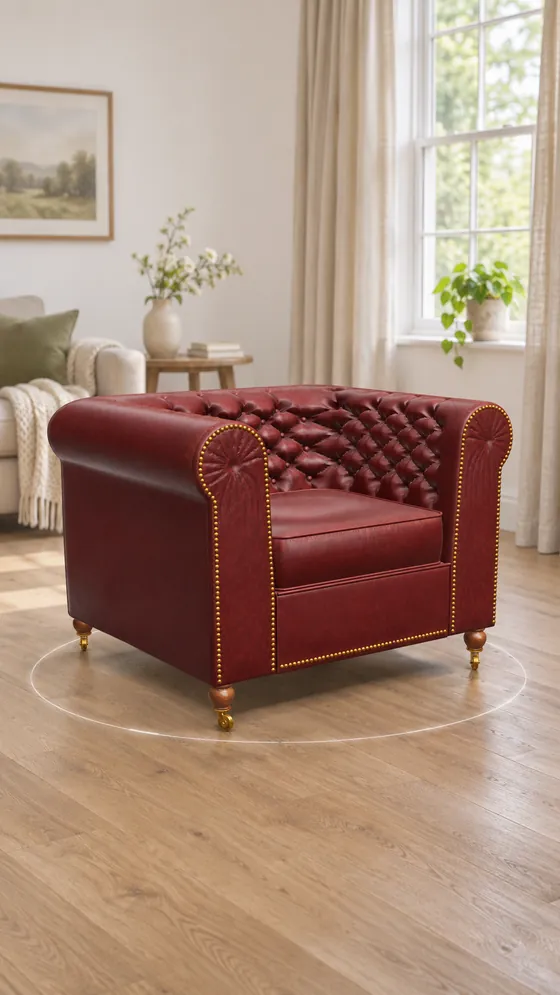 AR
Every view and the 360° turn come from the same file, so the page always shows the product as it is.
Musical instruments › Guitars › Acoustic
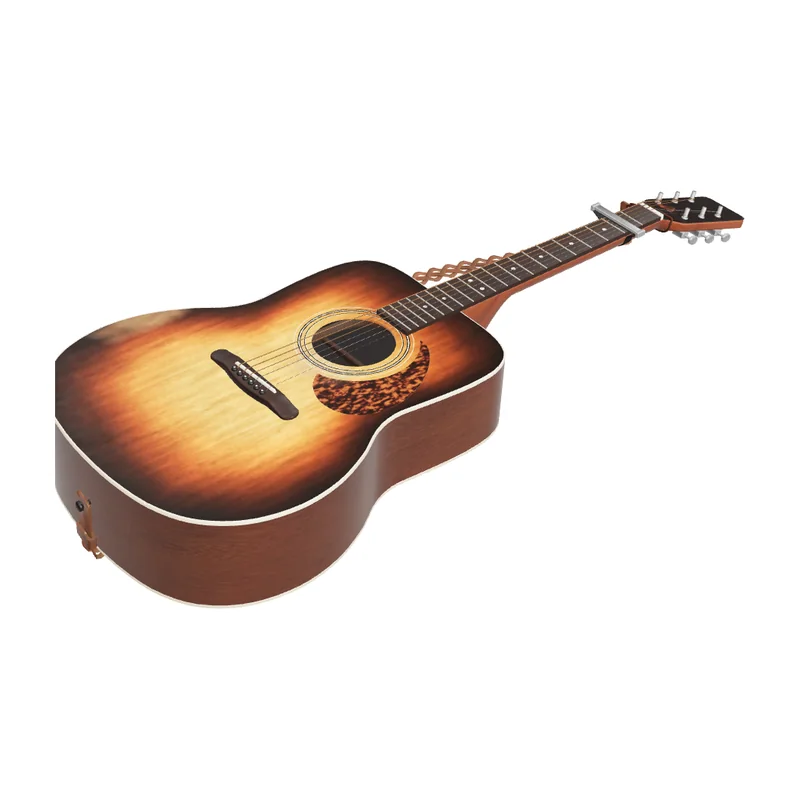
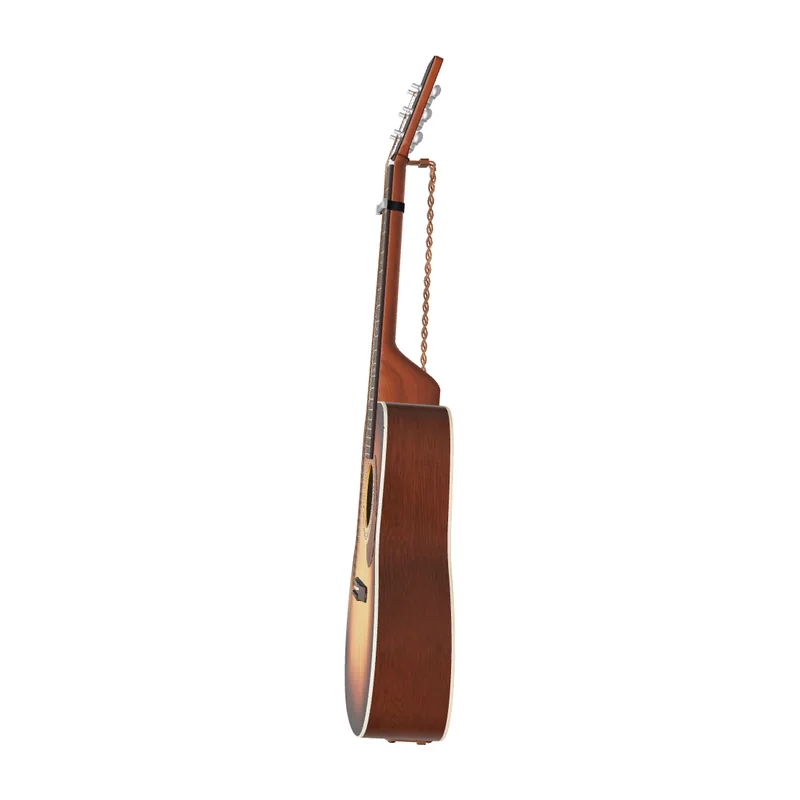
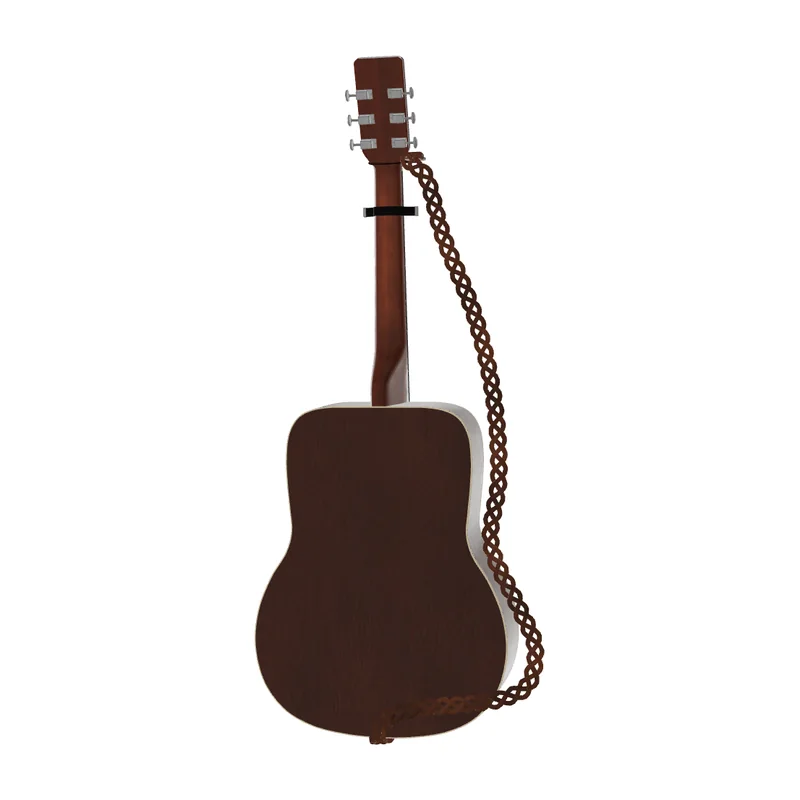
Folk acoustic guitar, sunburst top, woven leather strap
Finish: Sunburst
About this item
In stock
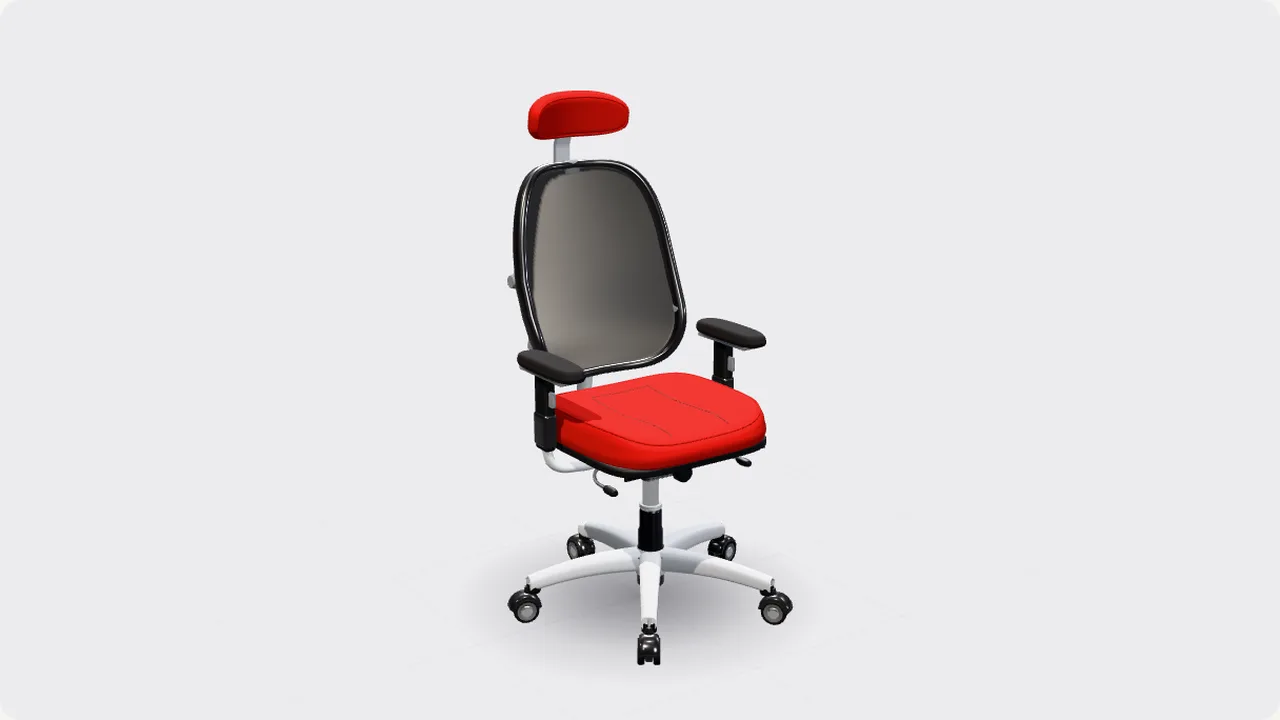
Add to cartBuy nowThe column, both arms and the shade are joints: any viewer can move them.
// Use cases
One program, many outputs. Each card below reads the same 3D.
Architecture & interiors
Brand websites
E-commerce
// Input and output
Input
What you already have on the product.
Details
Output
A web-ready 3D product and the program that makes it.
Details
// Explore
The same 3D written as code, put to work somewhere else.
// FAQ
A scan or an image-to-3D model gives one fused surface, good to look at and hard to change. Here the product is a program: each part has a name and real dimensions, and each option is a value. One program covers every option of a product, and a change to the product is a change to a few lines.
Product photos or technical drawings, the overall dimensions in millimetres and the list of finishes and options. CAD files help when they exist, since they give every dimension exactly. Timing and price depend on the number of products and on how many options each one has, so each range is quoted on its own.
Every combination of its options, and combinations multiply fast: four finishes and three armrests already make twelve products. Each one is the same program with other values, so finishes, parts and sizes switch in place. When the product changes, you edit a dimension, a material or a part and export again, and every configuration and every page that loads the file follows.
GLB, the binary form of glTF 2.0, for the web, AR on Android and game engines; USDA for OpenUSD pipelines and Omniverse; URDF for robotics; OBJ and STL for any 3D tool. For AR on iPhone and iPad, a USDZ package is made from the USDA with OpenUSD's own tools. Exports are in metres, the unit of glTF, so the product opens at its true size in a room or in AR.
A GLB file loads in any glTF viewer: the open model-viewer web component needs a single tag, and three.js loads it in a few lines. Views, finishes and specs come from the same file, so the product page, the brand site and an architect's viewer show the same product. For pages with a tight weight budget, glTF has a standard geometry compression, Draco.
Yes, when the program declares them. Each joint has a name, the parts it links, an axis and a range, and it travels with the exports: as data in the GLB for the viewer to animate, as UsdPhysics joints in USDA, as links and limits in URDF. The Sand3D articulated gallery has twelve objects to open joint by joint.
// Model
A new 3D modeling technology built on code.
Every object takes shape part by part.